Running more than one PHP version on the same server is often necessary during a migration. A current application may be ready for the latest supported release while an older site still depends on a legacy runtime. The goal is not simply to keep both versions installed; it is to isolate them per website, test every change, and retire unsupported branches on a controlled schedule.
Why multiple PHP versions are useful
A server-wide PHP upgrade can create unnecessary risk. Themes, plugins, frameworks, extensions, and custom code do not always become compatible at the same time. Per-site PHP-FPM selection lets each website move independently, so a modern application can adopt a supported branch without forcing an immediate change on every legacy workload.
This approach is especially useful when you are:
- migrating websites from another hosting control panel;
- upgrading WordPress, Laravel, Symfony, or another PHP application;
- testing application compatibility before a production cutover;
- consolidating several customer websites onto one managed server.
How per-site PHP-FPM isolation works
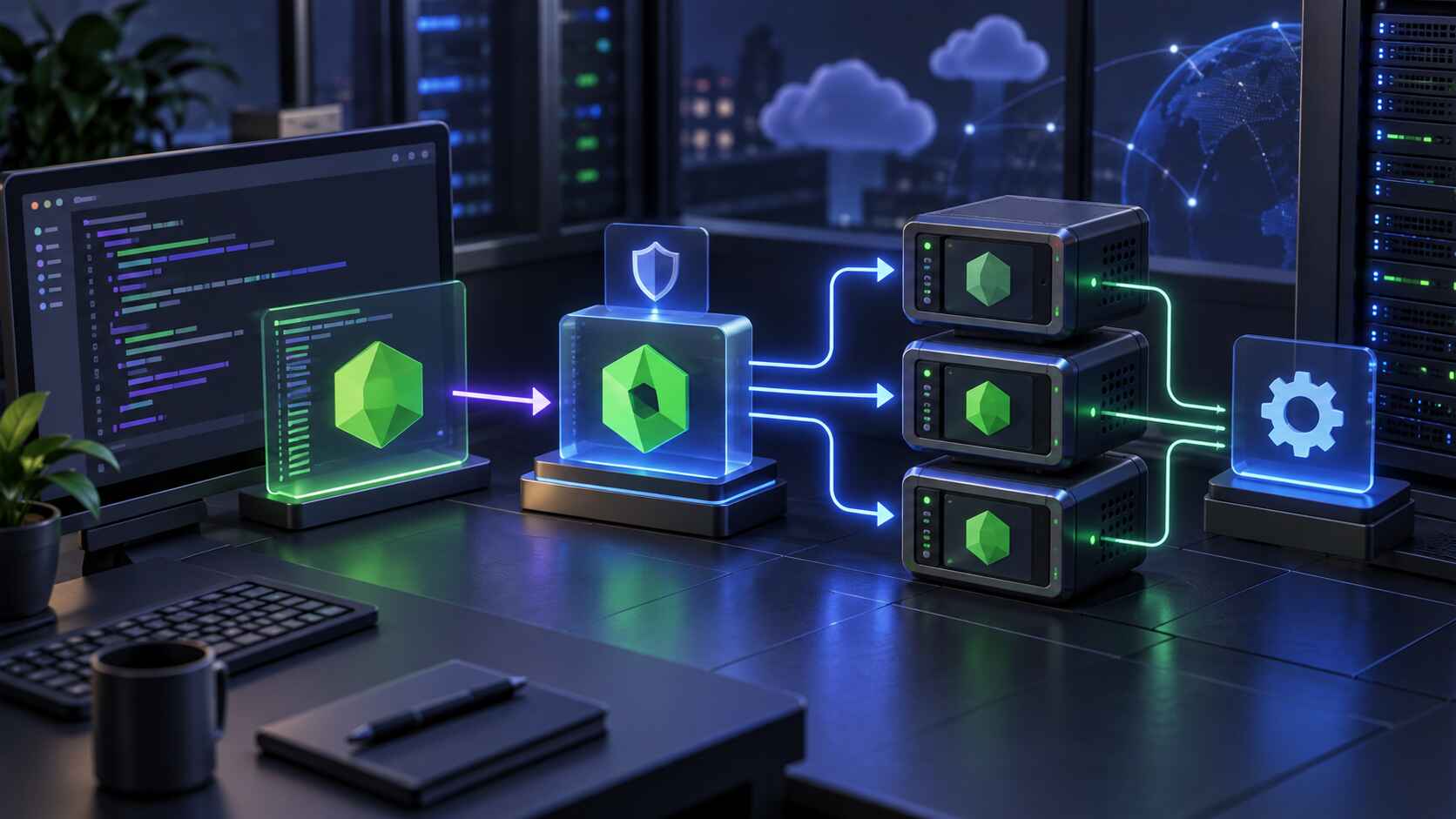
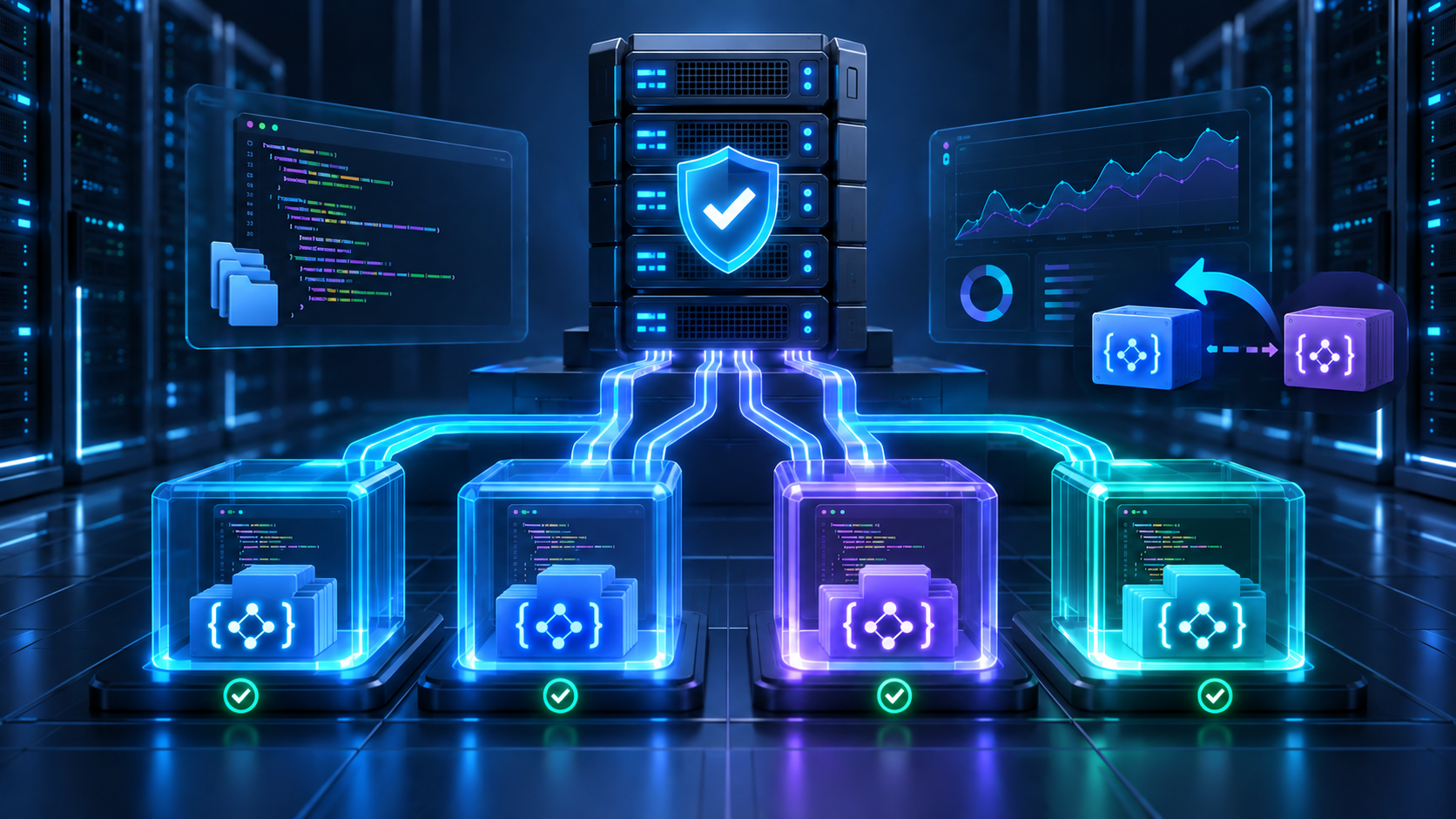
Each PHP website sends requests to its selected PHP-FPM branch. The web server routes traffic for that site to the appropriate runtime, rather than applying one PHP version globally. In Core Panel, each PHP website can select an installed PHP-FPM branch independently. End-of-life branches are clearly marked, making them useful as temporary migration bridges while new sites remain on a currently supported release.
Runtime separation reduces upgrade blast radius, but it does not replace application testing. A website may still rely on a missing extension, deprecated language behavior, a particular configuration value, or a scheduled task that uses a different PHP executable.
A safe migration plan
1. Inventory every PHP workload
Record each website, its current PHP version, framework or CMS version, required extensions, database dependencies, cron jobs, background workers, and business owner. Flag unsupported PHP branches and public-facing applications first. This inventory becomes the migration queue and prevents forgotten workloads from remaining on legacy runtimes indefinitely.
2. Install and verify the target branch
Install a currently supported PHP branch through your server administration workflow. Confirm that the required extensions are available and that upload limits, memory limits, execution timeouts, and other settings match the application's needs. Avoid copying an old configuration wholesale; review each exception and keep the target runtime as close to secure defaults as practical.
3. Create a recoverable test point
Take a fresh, verified backup before changing the production runtime. For an important site, test the backup by restoring it to an isolated location. A backup is only useful when its contents, credentials, database, and restore process have been validated.
4. Test the application on the new version
Use a staging copy or a maintenance window. Check the home page, authentication, forms, uploads, checkout flows, email delivery, administration screens, API integrations, cron jobs, and background workers. Review both application logs and PHP-FPM logs for warnings and deprecations that may not be visible in the browser.
5. Switch one website at a time
Change the selected PHP-FPM branch for a single website, then perform a short smoke test. Keep the previous branch installed during the observation window so you have a defined rollback path. Avoid switching many unrelated sites at once; small batches make failures easier to diagnose and contain.
6. Monitor after cutover
Watch error rates, response times, memory use, worker saturation, logs, and customer-reported issues. Compare the new baseline with the period before the change. A technically successful page load is not enough if queues, scheduled jobs, or high-traffic endpoints fail later.
7. Retire the legacy branch
Once every dependent website has moved and the rollback window has closed, remove the unsupported branch. Document the completion date and the evidence used to approve the migration. Leaving an end-of-life runtime installed forever turns temporary compatibility into permanent security debt.
Per-site upgrade checklist
- Confirm the current and target PHP versions.
- Verify application and dependency compatibility.
- Match only the extensions and settings the site actually needs.
- Create and validate a backup.
- Test web requests, CLI tasks, cron jobs, queues, and integrations.
- Schedule a low-risk cutover window.
- Define the rollback trigger and responsible operator.
- Monitor logs and performance after the switch.
- Record the result and plan retirement of the old branch.
Common mistakes to avoid
Treating the change as server-wide. Per-site selection is valuable because applications can move independently. Do not recreate the risk of a global upgrade by changing everything in one maintenance window.
Ignoring command-line PHP. A website may use one PHP-FPM branch while cron jobs or deployment scripts call a different CLI binary. Test both execution paths.
Keeping an end-of-life version without an exit date. Legacy support should have an owner, a reason, compensating controls, and a deadline.
Skipping extension checks. Application code may be compatible with the target language version but still fail because a required extension is missing or configured differently.
Having no measured rollback plan. Decide in advance which errors, latency changes, or failed business flows will trigger a return to the previous branch.
Managing PHP versions with Core Panel
Core Panel brings PHP branch management and per-website runtime selection into the same control plane used for websites, SSL, databases, backups, monitoring, and scheduled jobs. Administrators can keep a legacy branch available temporarily for migration while assigning supported versions to new or upgraded sites.
For an overview of supported application runtimes, visit the Core Panel features page. For implementation details, review the website deployment guide and system settings documentation.
Final recommendation
Multiple PHP versions are safest when they support a deliberate transition, not indefinite postponement. Isolate runtimes per website, test the complete application path, preserve a verified rollback point, monitor the cutover, and remove obsolete branches as soon as the migration is complete. That gives teams flexibility without losing control of security and operational risk.