
PHP and Nginx configuration
Run the application on a supported PHP version behind a managed Nginx website configuration.
Manage the hosting services around a Laravel application—from PHP and Nginx to databases, TLS, scheduled tasks, workers, monitoring, and backups—without assembling every server workflow by hand.
Reviewed by Shakeel Ahmed, Lead Architect on
For Laravel developers, agencies, and product teams that deploy applications to infrastructure they control and want repeatable day-to-day server operations.
Run the application on a supported PHP version behind a managed Nginx website configuration.
Provision MySQL, MariaDB, or PostgreSQL databases without sharing administrative credentials with the application.
Manage recurring commands and the long-running processes needed for common Laravel queue workloads.
Keep DNS, Let’s Encrypt certificates, monitoring, backups, and access controls beside the application.
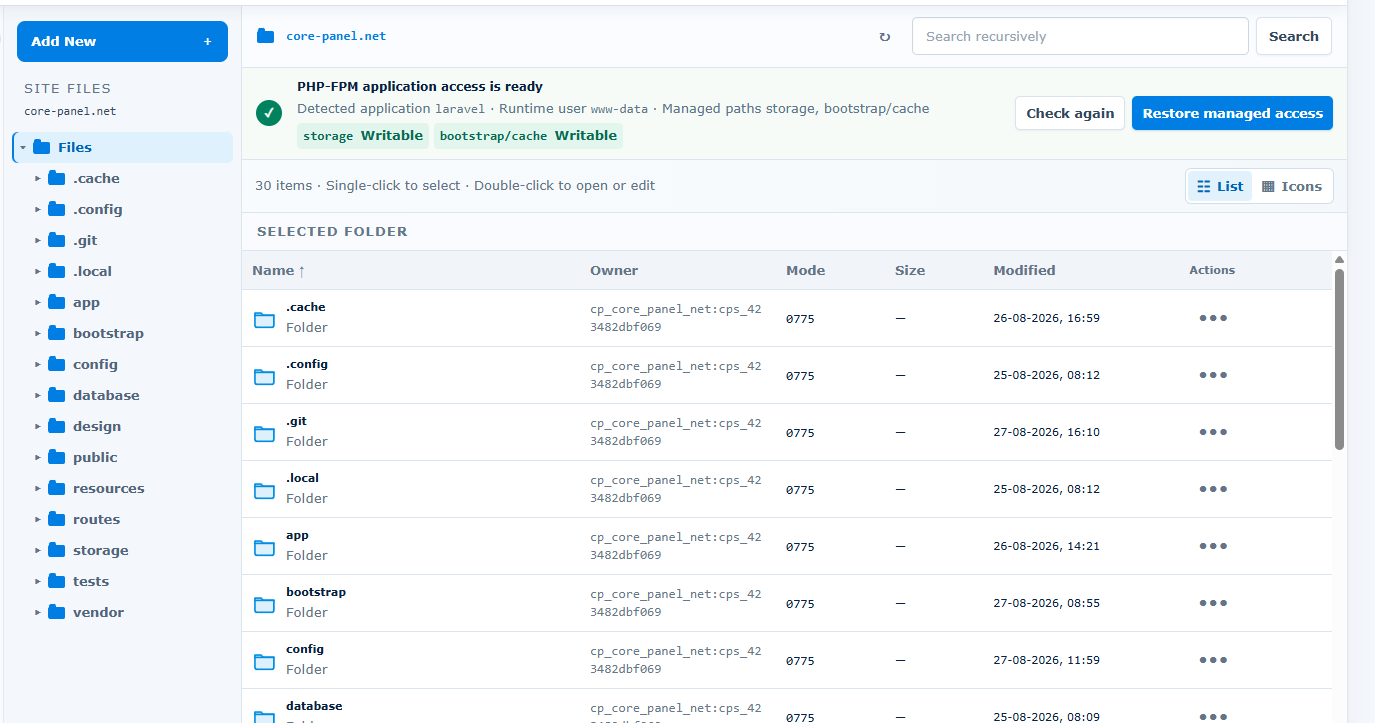
A team can create a PHP website, connect its repository or release files, configure the public document root, provision a scoped database user, add the domain and certificate, and operate scheduled commands and workers as managed processes.
Use a non-production server first. Confirm application requirements, resource capacity, security controls, and recovery before changing live traffic.
Start with a fresh Linux server and root or sudo access. Ubuntu 22.04 LTS is strongly recommended. Supported architectures: AMD64 and ARM64.
Size CPU, memory, disk, and network capacity for your applications and enabled services. Runtime versions and extensions depend on the operating system and architecture. Core Panel runs on Linux; Windows hosting stacks require a separate compatibility and migration assessment.
Use the official installer on the destination server, keep the terminal open until it finishes, and store the generated sign-in credentials securely. Check domains, application dependencies, backups, and recovery before moving live traffic.
Core Panel manages hosting infrastructure around Laravel; it does not validate application code, Composer packages, migrations, queue semantics, cache topology, zero-downtime releases, or horizontal scaling. Confirm the required PHP version and extensions and rehearse the complete release and rollback process.
Core Panel provides the server and website workflows around a Laravel deployment. Your release process remains responsible for application code, Composer dependencies, configuration, migrations, and framework commands.
Yes. Core Panel supports scoped PostgreSQL databases and users as well as MySQL and MariaDB. Confirm the PHP extensions and application configuration required by your project.
Core Panel provides managed process and scheduled-task workflows. Test worker restart behavior, timeouts, retries, overlapping jobs, and failure handling for your application before launch.
The Enterprise plan includes the complete feature set and a 14-day trial with no credit card required.
Review Pricing