
Managed application service
Configure the application entry point and runtime as a managed service instead of maintaining an ad hoc background process.
Run managed Node.js workloads behind Nginx while Core Panel handles the surrounding hosting operations: domains, SSL, DNS, databases, monitoring, and access.
Reviewed by Shakeel Ahmed, Lead Architect on
Designed for developers and agencies deploying APIs, web applications, internal services, and server-rendered JavaScript projects.
Configure the application entry point and runtime as a managed service instead of maintaining an ad hoc background process.
Expose the application through a managed website configuration with domains and TLS termination.
Review server health, resource use, logs, and service state from the same control panel.
Provision scoped MySQL, MariaDB, or PostgreSQL databases and users for each application.
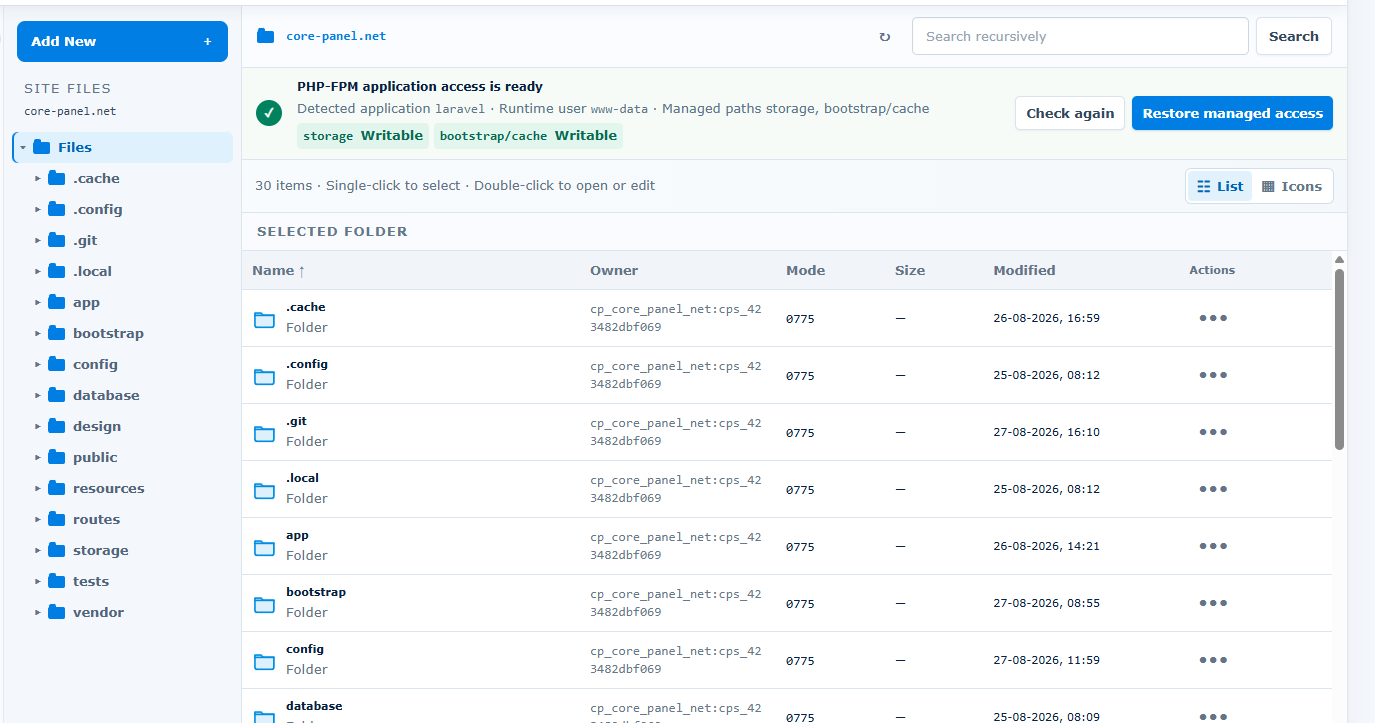
A team can deploy an API as a managed Node.js website, place it behind Nginx, attach a domain and certificate, and connect a scoped PostgreSQL user.
Use a non-production server first. Confirm application requirements, resource capacity, security controls, and recovery before changing live traffic.
Start with a fresh Linux server and root or sudo access. Ubuntu 22.04 LTS is strongly recommended. Supported architectures: AMD64 and ARM64.
Size CPU, memory, disk, and network capacity for your applications and enabled services. Runtime versions and extensions depend on the operating system and architecture. Core Panel runs on Linux; Windows hosting stacks require a separate compatibility and migration assessment.
Use the official installer on the destination server, keep the terminal open until it finishes, and store the generated sign-in credentials securely. Check domains, application dependencies, backups, and recovery before moving live traffic.
Core Panel does not install or validate every npm dependency, replace application observability, or design horizontal scaling. Confirm the required Node.js version, build process, persistent storage, background workers, and deployment strategy during the trial.
No. Your application still uses its own framework and package dependencies; Core Panel manages the hosting and server operations around it.
Yes. Static, PHP, Node.js, and Python websites can operate as separate managed workloads on the same compatible server.
Yes. Runtime versions, native dependencies, environment variables, storage, and background work should all be validated on a non-production server first.
The Enterprise plan includes the complete feature set and a 14-day trial with no credit card required.
Review Pricing