
US$29.99/month
Core Panel: A$9/month
Core Panel is a cPanel alternative priced at A$9 per server per month without per-account license charges. cPanel hosting prices currently start at US$29.99 per month for one Solo account and increase across Admin, Pro, and Premier account allowances.
The right choice also depends on workload compatibility, required extensions, support, and the one-time cost of migrating websites, databases, DNS, and email.
Calculate your cPanel hosting price and annual license cost using your actual account and server counts.
Pricing and capability review by Shakeel Ahmed, Lead Architect · Pricing checked September 20, 2026
14-day full-featured trial · No credit card required
For hosting companies, agencies, and developers evaluating a move from cPanel to a Linux panel with reseller access and PHP, Node.js, Python, and PostgreSQL workflows.
Confirm application compatibility, third-party integrations, and the migration report before committing a production account. Core Panel does not promise complete equivalence with every cPanel extension or Apache configuration.
Read the website and cPanel import documentation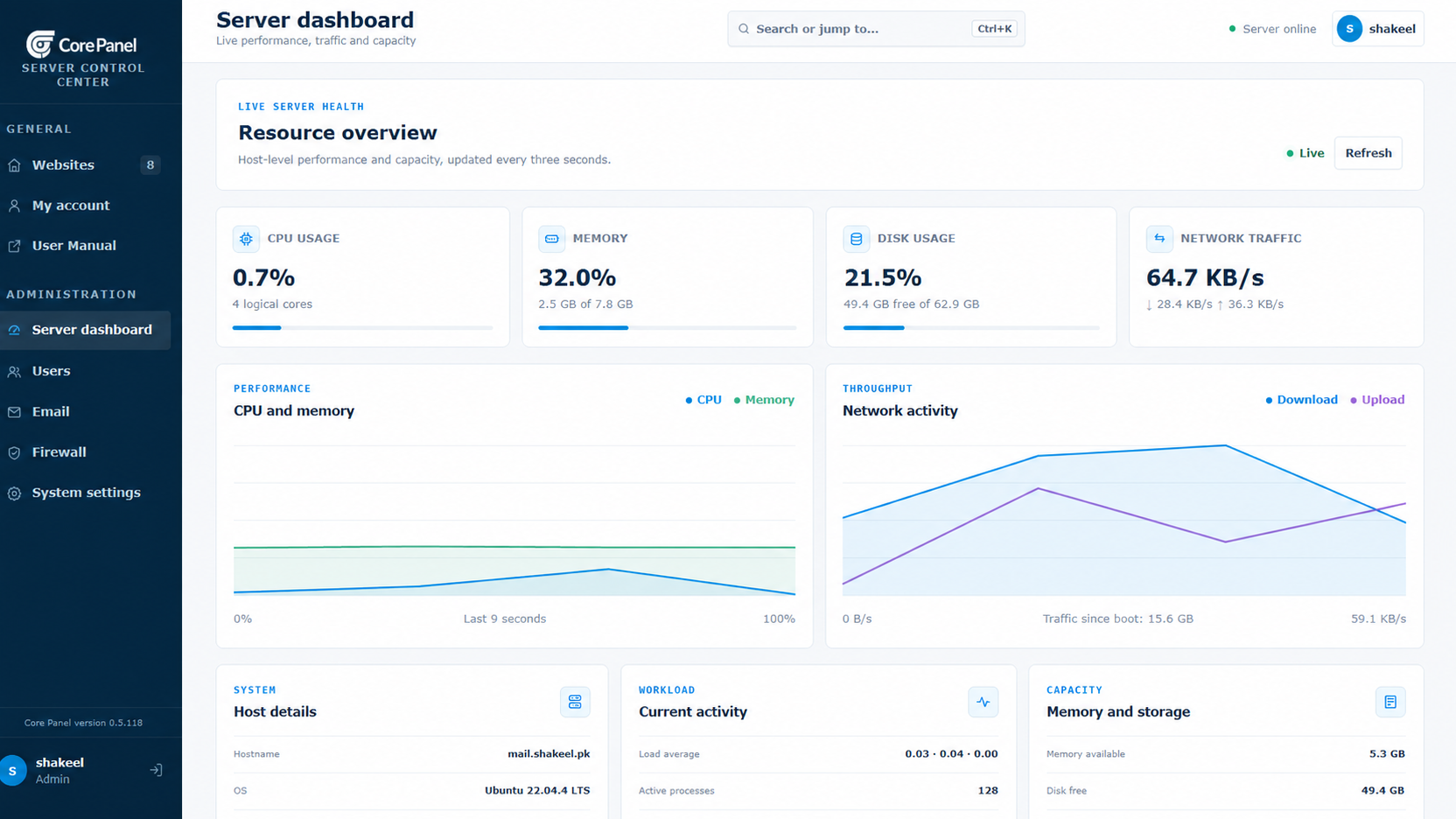
Start with a fresh Linux server and root or sudo access. Ubuntu 22.04 LTS is strongly recommended. Supported architectures: AMD64 and ARM64.
Size CPU, memory, disk, and network capacity for your applications and enabled services. Runtime versions and extensions depend on the operating system and architecture. Core Panel runs on Linux; Windows hosting stacks require a separate compatibility and migration assessment.
Use the official installer on the destination server, keep the terminal open until it finishes, and store the generated sign-in credentials securely. Check domains, application dependencies, backups, and recovery before moving live traffic.
Core Panel includes its complete feature set in one plan. cPanel's direct Store licenses are sized by account allowance, beginning with a one-account Solo license.
| License | Accounts | Monthly | Annual |
|---|---|---|---|
| cPanel Solo | 1 | US$29.99 | US$329.49 |
| cPanel Admin | Up to 5 | US$35.99 | US$395.49 |
| cPanel Pro | Up to 30 | US$53.99 | US$593.49 |
| cPanel Premier | Up to 100; US$0.49 each above 100 | US$69.99 base | Not listed |
| Core Panel | Unlimited websites | A$9 per server | A$108 over 12 months |
US$29.99/month
Core Panel: A$9/month
US$35.99/month
Core Panel: A$9/month
US$53.99/month
Core Panel: A$9/month
US$69.99/month
Core Panel: A$9/month
Core Panel and cPanel bill in different currencies. Use the current AUD/USD exchange rate for a like-for-like comparison. Prices exclude taxes, partner pricing, add-ons, infrastructure, migration, support, and payment fees.
These examples use direct list prices and keep USD and AUD separate so a changing exchange rate does not make the comparison stale.
cPanel Solo is US$29.99 monthly, US$359.88 across 12 monthly payments, or US$329.49 annually.
Core Panel: A$9 monthly or A$108 over 12 months.
Three cPanel Admin licenses are US$107.97 monthly, US$1,295.64 across 12 monthly payments, or US$1,186.47 annually.
Core Panel: A$27 monthly or A$324 over 12 months.
cPanel Premier is US$69.99 + (50 × US$0.49) = US$94.49 monthly, or US$1,133.88 across 12 monthly payments.
Core Panel: A$9 monthly or A$108 over 12 months.
Budget internal labor, overlapping servers, backups and transfer, replacement extensions, professional services, tax and payment fees, validation, and contingency.
Inventory (4 hours) + transfer and validation (12 hours) + cutover and monitoring (4 hours) = 20 hours. At 75 per hour, allow 1,500 in your chosen currency, plus infrastructure and third-party costs. This is an example, not a quote.
Sources: cPanel pricing, 2026 Store pricing, and annual-license guidance.
Both products cover established hosting operations. The practical differences are licensing, configuration, workflow, and which tools are included for your environment. Verify every requirement against current documentation and a representative trial.
Feature comparison checked August 30, 2026. It is not exhaustive, and availability can depend on operating system, server profile, installed packages, provider configuration, extensions, and product updates.
Core Panel combines familiar hosting operations with developer-focused deployment and observability tools. Availability in cPanel can vary by license, server configuration, and installed extensions, so this page does not claim feature-for-feature equivalence.
Operate static, PHP, Node.js, and Python workloads behind Nginx.
Manage common record types, signed zones, BIND imports, and change history.
Create scoped users and manage data with phpMyAdmin or PostgreSQL Studio.
Issue and renew Let's Encrypt certificates for validated hostnames.
Manage website and database backups without tying recovery to an account tier.
Inspect server health and resource usage from the same operational dashboard.
Delegate access through scoped users, teams, resellers, and configurable limits.
Manage domains, mailboxes, aliases, forwarding, and related mail services.
Integrate routine infrastructure operations into your own workflows.
Core Panel publishes a non-comparative PostgreSQL reference-workload report with request-level raw results, resource samples, environment metadata, reproduction scripts, and limitations.
Comparative RAM, response-time, or throughput claims remain unpublished until an equivalent cross-product study passes the same evidence standard.
Review the PostgreSQL report and publication standardInventory the complete account, build a compatible test server, transfer each service deliberately, validate with non-public traffic, then schedule a controlled cutover with verified backups and a rollback threshold. The exact procedure depends on the workloads and cPanel-specific features in use.
Review installation requirementsNo. Core Panel does not advertise a universal one-click cPanel import. Websites, databases, DNS, email, certificates, cron jobs, users, extensions, and custom services must be inventoried and validated for the specific server.
No universal zero-downtime guarantee is made. Downtime depends on writable data, DNS, mail, queues, external integrations, synchronization options, and how quickly rollback can be performed.
Review website files and configuration, databases and users, domains and DNS zones, mailboxes and mail DNS, certificates, scheduled jobs, SSH or SFTP users, backups, redirects, limits, and external integrations.
Inventory mailboxes, aliases, forwarding, filters, quotas, SPF, DKIM, DMARC, and application sending. Plan synchronization and delivery testing separately from the website cutover.
Keep the source intact, create and verify independent backups, record DNS changes, define the rollback decision owner and threshold, and do not remove the old environment until post-cutover validation is complete.
Try the complete Enterprise plan for 14 days, or review every documented capability before installing.