
Flat per-server license
Create unlimited websites and resellers under the license without a separate fee for every hosted account.
Turn a compatible Linux VPS into a managed hosting server without tying license cost to the number of websites or customer accounts you create.
Reviewed by Shakeel Ahmed, Lead Architect on
For developers, agencies, and hosting operators who want to manage their own virtual private server through a browser while keeping infrastructure choice and root-level ownership.
Create unlimited websites and resellers under the license without a separate fee for every hosted account.
Manage websites, files, DNS, email, SSL, databases, backups, cron jobs, and server services from the same panel.
Host supported PHP, Node.js, Python, and static applications behind Nginx on the same VPS.
Review resource usage, service state, logs, monitoring, and alerts before capacity problems become outages.
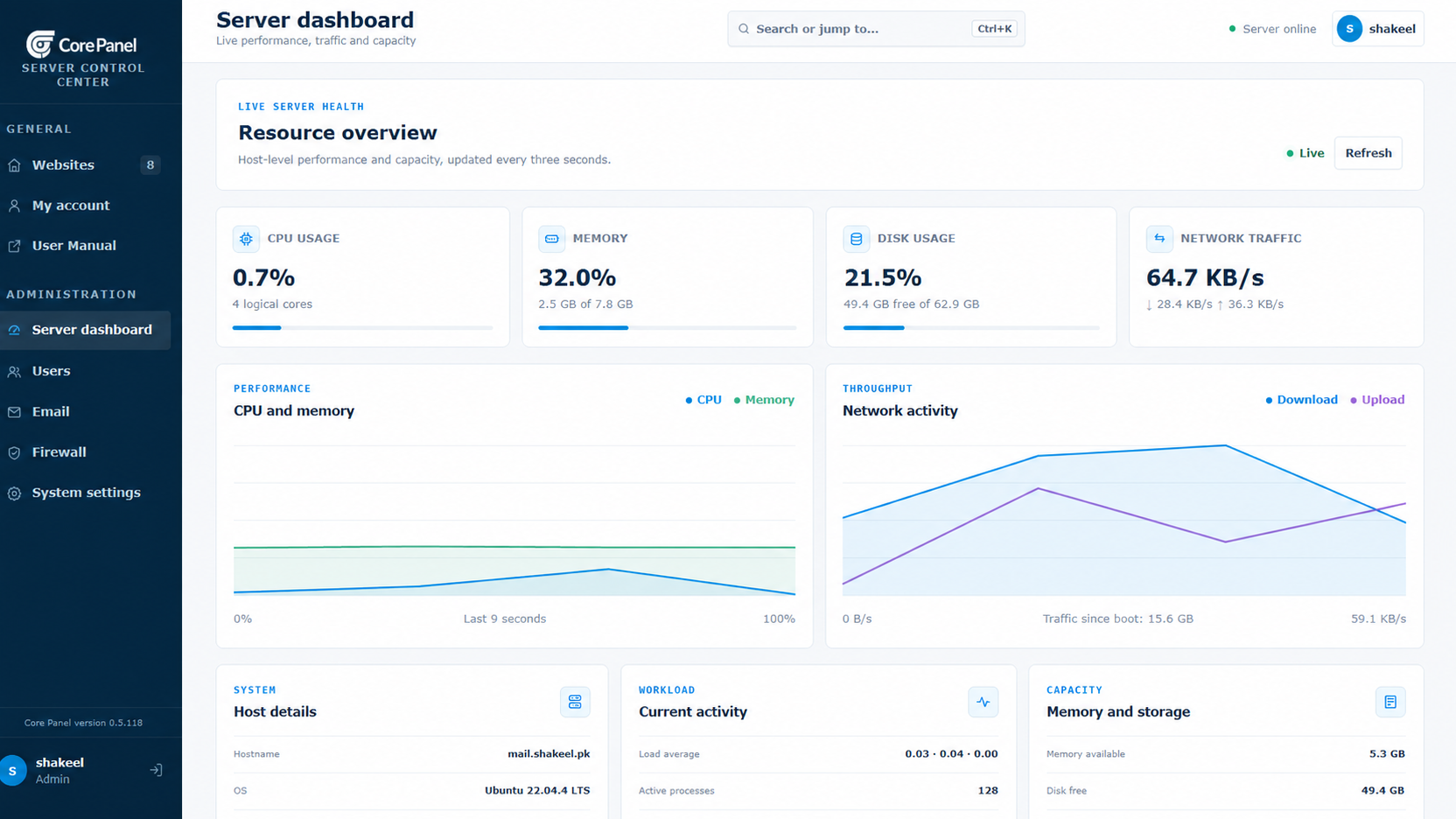
An agency can install Core Panel on a compatible clean VPS, add separate websites and databases, connect DNS, issue certificates, and give operators scoped access without purchasing licenses per account.
Use a non-production server first. Confirm application requirements, resource capacity, security controls, and recovery before changing live traffic.
Start with a fresh Linux server and root or sudo access. Ubuntu 22.04 LTS is strongly recommended. Supported architectures: AMD64 and ARM64.
Size CPU, memory, disk, and network capacity for your applications and enabled services. Runtime versions and extensions depend on the operating system and architecture. Core Panel runs on Linux; Windows hosting stacks require a separate compatibility and migration assessment.
Use the official installer on the destination server, keep the terminal open until it finishes, and store the generated sign-in credentials securely. Check domains, application dependencies, backups, and recovery before moving live traffic.
Core Panel is control-panel software, not a VPS provider or managed infrastructure service. You remain responsible for provider selection, operating-system compatibility, server sizing, network security, updates, incident response, high availability, and recovery from provider-level failures.
No. You provide a compatible VPS from the infrastructure provider you choose; Core Panel supplies the hosting control panel software.
No. Core Panel is priced per server and includes unlimited websites and resellers under the license, subject to server capacity and configured limits.
Use a compatible clean server and test migration separately. Rebuilding an occupied production server creates avoidable configuration, compatibility, and rollback risk.
The Enterprise plan includes the complete feature set and a 14-day trial with no credit card required.
Review Pricing