
Unlimited websites under one license
The A$9 monthly server license includes unlimited websites and resellers, subject to practical server limits.
Manage websites, application runtimes, DNS, mail, certificates, and databases with one Core Panel server license. Evaluate the daily workflows and integrations your team relies on before moving.
For agencies and Linux hosting teams evaluating an alternative to Plesk for multiple customer websites, developer applications, and delegated hosting operations.
The A$9 monthly server license includes unlimited websites and resellers, subject to practical server limits.
Run compatible PHP, Node.js, Python, and static applications behind Nginx.
Manage MySQL, MariaDB, and PostgreSQL databases with scoped users and built-in database workflows.
Work with DNS, mail, SSL, files, backups, and monitoring from the same dashboard.
| Requirement | Core Panel | Plesk |
|---|---|---|
| Website allowance | Unlimited websites under the server license; capacity limits apply. | Web Admin: up to 10 domains. Web Pro: up to 30. Web Host: unlimited domains. |
| Commercial fit | One plan includes reseller capabilities and scoped access. | Web Host is positioned for hosting businesses; select the edition for your requirements. |
| WordPress operations | WordPress and WooCommerce installation plus hosting services. | WP Toolkit is listed across editions, with a limited feature edition in Web Admin. |
Edition information checked September 18, 2026. Website and domain counts are different units; validate the complete workload and extension requirements. Check official Plesk editions
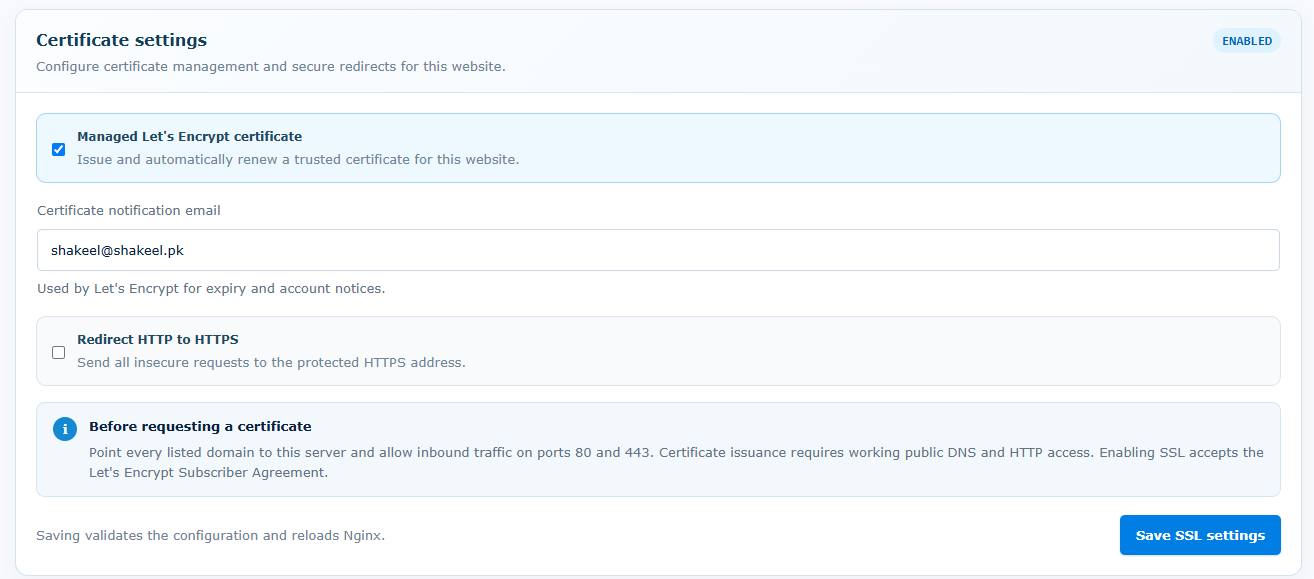
Start with a representative customer site on a separate Core Panel server. Validate its PHP extensions, database, mail delivery, certificate, and team permissions before scheduling the remaining sites.
Use a non-production server first. Confirm application requirements, resource capacity, security controls, and recovery before changing live traffic.
Start with a fresh Linux server and root or sudo access. Ubuntu 22.04 LTS is strongly recommended. Supported architectures: AMD64 and ARM64.
Size CPU, memory, disk, and network capacity for your applications and enabled services. Runtime versions and extensions depend on the operating system and architecture. Core Panel runs on Linux; Windows hosting stacks require a separate compatibility and migration assessment.
Use the official installer on the destination server, keep the terminal open until it finishes, and store the generated sign-in credentials securely. Check domains, application dependencies, backups, and recovery before moving live traffic.
Core Panel runs on Linux. Windows-specific applications, Plesk extensions, subscription models, and WP Toolkit workflows require individual evaluation; they do not automatically map to Core Panel. No universal Plesk archive importer or feature-for-feature equivalence is promised.
No. Identify what each extension does and validate a supported equivalent or separate service before migrating.
No. The license is A$9 per server monthly with unlimited websites and resellers under the license. Capacity and configured limits still apply.
Use the 14-day free trial on a separate supported Linux server. Test a representative website, database, email workflow, backup restore, and team access before planning cutover.
The Enterprise plan includes the complete feature set and a 14-day trial with no credit card required.
Review Pricing