
cPanel migration with archive preflight and a tested cutover plan
A safe move accounts for websites, databases, DNS, certificates, email, scheduled work, users, backups, and rollback—not only public files.
Reviewed by Shakeel Ahmed, Lead Architect on
Who this is for
Migrate from cPanel with a plan suited to agencies, hosting providers, and site owners moving customer accounts or applications to Core Panel. The A$9 monthly server license includes unlimited websites and resellers, subject to server capacity.
Import a cPanel archive and review the report
Core Panel accepts cPanel full-account/cpmove archives through the website backup import workflow. Upload an archive or fetch an existing accepted archive from the cPanel server over SFTP. Isolated staging and preflight validation precede resource creation; inspect the migration report and retained warnings before cutover.
Imported databases receive normalized names and new credentials. Core Panel updates recognized managed application connections only after complete preflight recognition; unlinked databases require manual configuration.
Read the cPanel archive import documentation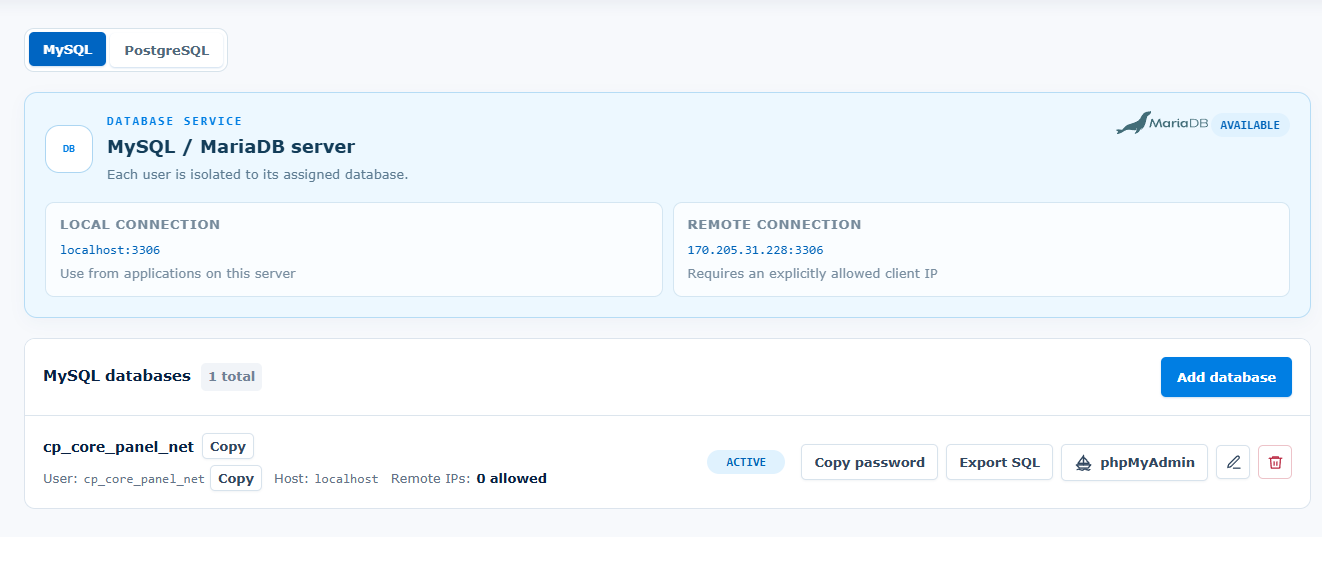
Installation requirements and supported operating systems
Start with a fresh Linux server and root or sudo access. Ubuntu 22.04 LTS is strongly recommended. Supported architectures: AMD64 and ARM64.
- Ubuntu 22.04 LTS, 24.04 LTS, and 26.04 LTS
- Debian 12 and 13
- AlmaLinux 9 and 10
- Rocky Linux 9 and 10
- Red Hat Enterprise Linux 9 and 10
- Fedora Server 43 and 44
Size CPU, memory, disk, and network capacity for your applications and enabled services. Runtime versions and extensions depend on the operating system and architecture. Core Panel runs on Linux; Windows hosting stacks require a separate compatibility and migration assessment.
Use the official installer on the destination server, keep the terminal open until it finishes, and store the generated sign-in credentials securely. Check domains, application dependencies, backups, and recovery before moving live traffic.
1. Inventory the complete account
Record each domain, alias, redirect, document root, runtime, database, database user, mailbox, forwarder, DNS zone, certificate, cron job, SSH or SFTP user, storage requirement, and external integration. Capture current TTLs and identify services that cannot tolerate a maintenance window.
2. Prepare a clean test server
Install Core Panel on a compatible non-production server. Patch the operating system, configure access and MFA, verify firewall policy, and confirm the server has enough CPU, memory, storage, and network capacity for the inventoried workloads.
3. Transfer and validate data
Use a supported cPanel archive and inspect its preflight summary and migration report. Where automatic recognition is incomplete, transfer files and database exports deliberately, update credentials, and configure missing resources. Validate mailboxes, DNS records, scheduled tasks, users, and application configuration against the inventory.
4. Test before changing public DNS
Use a hosts-file override or a dedicated test hostname to verify pages, logins, uploads, forms, email delivery, database writes, background work, redirects, certificates, and application logs. Compare record counts and critical data between source and destination.
5. Plan cutover and rollback
Lower relevant DNS TTLs ahead of the approved window, freeze or synchronize mutable data, take final verified backups, define the rollback threshold, and assign one person to make the go or no-go decision. Keep the source available until validation is complete.
6. Monitor after cutover
Watch HTTP errors, latency, mail queues, DNS delegation, certificate status, database connections, storage, CPU, memory, and scheduled jobs. Restore normal TTLs only after the new environment has remained stable through the agreed observation period.
Frequently asked questions
Is migration a universal one-click import?
No. Supported cPanel archives can be imported with preflight validation, but excluded features and unresolved application connections require manual work. Review the migration report before going live.
Can I migrate Python and Node.js applications?
Inventory runtime versions, dependencies, start commands, environment variables, persistent files, workers, and scheduled jobs. Validate the complete application on the destination; an archive alone does not establish runtime compatibility.
Will there be downtime?
Downtime depends on changing data, DNS, mail delivery, synchronization, and application behavior. Plan a cutover window, validation criteria, and rollback rather than assuming zero downtime.
Can I test before buying?
Yes. Use the 14-day free trial with no credit card required to rehearse migration on a separate compatible Linux server.