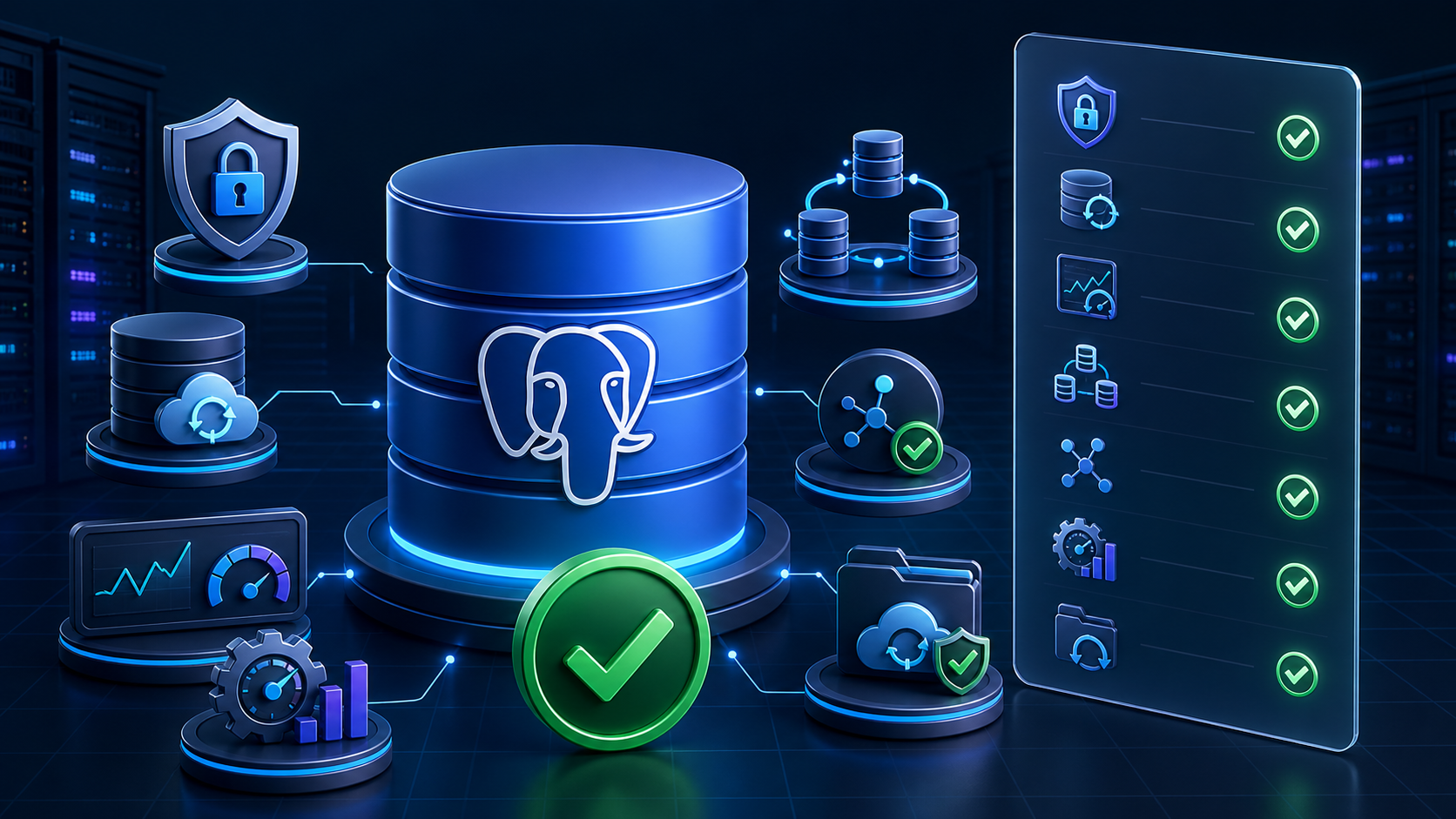
A production PostgreSQL deployment is ready only when the database, application, server, and recovery process have been tested together. Use this checklist before launch, after a major migration, and during regular operational reviews. It complements the PostgreSQL hosting control panel workflow in Core Panel with the workload-specific checks that remain the operator’s responsibility.
1. Define the service boundary
Write down who owns the operating system, PostgreSQL packages, schema changes, query tuning, application releases, monitoring, backups, and incident response. A control panel can simplify provisioning and routine administration, but it does not remove database engineering work. Name an owner and an escalation path for every production database.
- Record the application owner, database owner, and emergency contact.
- Document the approved maintenance window and expected availability.
- Define recovery point and recovery time objectives (RPO and RTO).
- Identify data-classification, retention, privacy, and audit obligations.
2. Verify versions, extensions, and locale
Confirm the PostgreSQL server version against the application’s supported matrix. Record required extensions, encoding, collation, timezone, and migration tooling. Test upgrades in a representative non-production environment; do not assume that a package upgrade is equivalent to an application-compatible database upgrade.
SELECT version();
SHOW server_encoding;
SHOW lc_collate;
SHOW timezone;
SELECT extname, extversion FROM pg_extension ORDER BY extname;
Also check how long the chosen major version will receive upstream fixes and whether your deployment process can upgrade before support ends.
3. Use scoped identities and controlled network access
Create a dedicated login for each application or service. Avoid using a PostgreSQL superuser from application code, deployment scripts, or browser tools. Grant access only to the required database and schemas, and keep ownership separate when possible.
- Store credentials in the deployment secret mechanism, not in source control.
- Rotate credentials through a documented procedure and test the application reconnect path.
- Allow remote sources only when required and restrict them in PostgreSQL and the host firewall.
- Require encrypted connections when traffic crosses an untrusted network.
- Review default privileges so future tables and sequences do not receive unintended grants.
4. Establish a connection budget
PostgreSQL connections consume memory and server resources. Estimate the total from web workers, background jobs, scheduled tasks, administrative tools, and deployment processes. Leave headroom for maintenance and incident response. For bursty or high-concurrency applications, use the sizing and rollout process in PostgreSQL connection pooling and monitoring for busy websites.
SELECT datname, usename, state, count(*)
FROM pg_stat_activity
GROUP BY datname, usename, state
ORDER BY count(*) DESC;
Set application pool limits deliberately rather than accepting framework defaults on every process. Validate timeouts, retry behavior, and transaction handling during a rolling restart and during database unavailability.
5. Prove capacity with representative traffic
Size CPU, memory, storage, and I/O from measurements. Test with realistic data volume, indexes, concurrency, cache state, and background work. A fast empty database is not evidence for production readiness.
- Measure slow and frequent queries separately.
- Confirm indexes support critical access paths and foreign keys.
- Watch temporary files, sort spills, lock waits, and long transactions.
- Keep enough disk headroom for growth, maintenance, logs, and a failed operation.
- Test a traffic level above the expected peak and document the first bottleneck.
6. Monitor service signals and alert on symptoms
Collect connection use, transaction rate, query latency, errors, locks, deadlocks, cache behavior, replication state if applicable, database size, disk capacity, and backup freshness. Combine database metrics with application response time and error rate so operators can tell whether a database symptom affects users.
Every alert needs an owner, threshold rationale, runbook, and test. Prefer warnings that give operators time to act—for example, rising connection saturation or shrinking disk headroom—over notifications that arrive only after service failure.
7. Plan vacuum, analyze, and schema maintenance
Autovacuum is essential, not optional housekeeping. Monitor dead tuples, long-running transactions, transaction ID age, and tables whose maintenance cannot keep pace. Schedule heavy index or schema work with a rollback plan and enough disk capacity.
- Keep transactions short and investigate sessions that remain idle in transaction.
- Update statistics after large or unusual data changes when required.
- Test migrations against production-sized data and measure lock duration.
- Separate backward-compatible rollout steps when an application is deployed gradually.
8. Build recoverable backups
Choose logical dumps, physical backups, WAL archiving, or a combination based on the required RPO, RTO, database size, and recovery scenarios. Store protected copies outside the source server and account. Start with the expanded automated PostgreSQL backup guide, then verify the exact recovery workflow rather than trusting job success alone.
- Monitor backup completion, age, size changes, checksum results, and destination capacity.
- Protect backup credentials and encryption keys separately from production.
- Retain more than one recovery point and protect against accidental or malicious deletion.
- Document version, extensions, roles, tablespaces, and external dependencies needed for recovery.
9. Rehearse restore and application validation
A backup is unverified until it has been restored. Follow the Core Panel PostgreSQL backup-and-restore test runbook in an isolated environment. Verify checksums, restore logs, schema objects, roles, extensions, row-level invariants, application migrations, logins, representative reads and writes, and the measured recovery time.
Record the recovery point used, people involved, commands executed, problems found, corrective actions, and the next drill date. Do not let a successful command exit substitute for an application-level recovery test.
10. Secure the host and administrative workflow
Keep the operating system and PostgreSQL packages on an approved patch cadence. Restrict shell and panel access, require strong authentication, review administrative activity, protect logs, and remove unused accounts. Limit database administration tools to trusted operators and networks.
Review the broader MySQL and PostgreSQL hosting control-panel comparison when selecting workflows, because engine support is only one part of production operations.
11. Prepare launch, rollback, and incident runbooks
Document how to deploy, migrate, roll back, fail safely, and restore. Include the commands and dashboards operators will use, but keep secrets out of the document. Test who can reach the runbook during an outage.
- Take and verify the required pre-change recovery point.
- Confirm monitoring, alert routing, maintenance capacity, and on-call ownership.
- Run the migration with explicit stop conditions.
- Validate critical application journeys and database signals.
- Roll back or restore if acceptance criteria fail.
- Record evidence and schedule follow-up work.
12. Require evidence-based sign-off
Mark each item as passed, failed, accepted risk, or not applicable, with an owner and evidence link. Production readiness is not a one-time ceremony: repeat the review after major version upgrades, architecture changes, significant growth, recovery-policy changes, and serious incidents.
Core Panel can bring database provisioning, scoped users, cron jobs, and the wider hosting workflow into one interface. The best next step is to review the complete PostgreSQL management workflow in Core Panel, then validate this checklist on a non-production server that matches the intended workload.