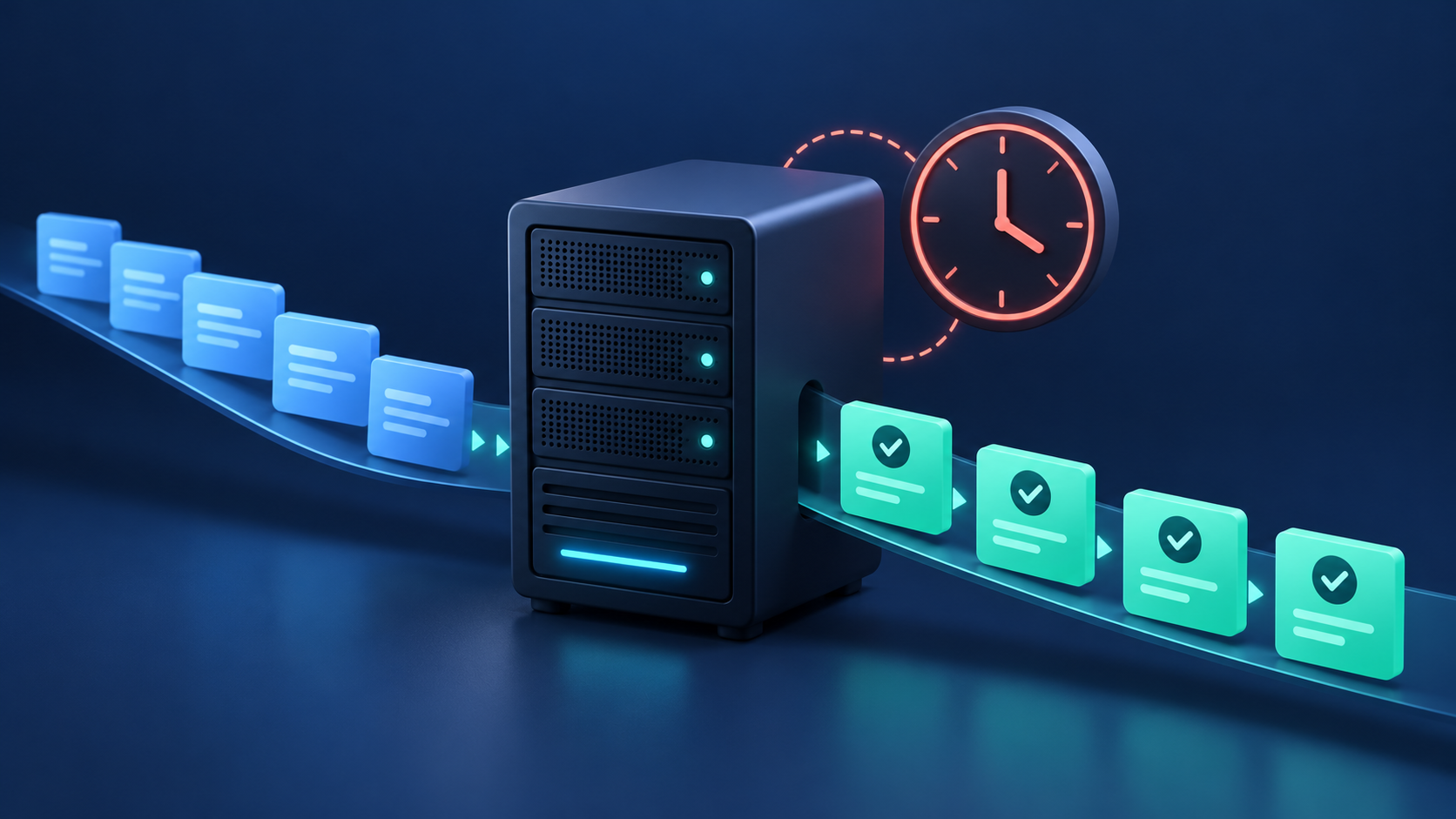
A Laravel website can load normally while queued emails, exports, and scheduled reports stop working. A successful page request proves only part of the application is healthy. Background processing needs its own launch checks and monitoring.
This Laravel queues and scheduler checklist is for teams running an application on a Linux VPS. It follows the Laravel 13 documentation; use the documentation for your installed version when options differ. For the initial website setup, start with our Laravel deployment guide for Ubuntu, Nginx, and PHP-FPM.
1. Define what successful background work looks like
Choose one harmless test for each business workflow: an email to a controlled mailbox, a small export with sample data, and a scheduled task that records a completion timestamp. Write down the expected result and acceptable delay before you change the server.
For each workflow, record its owner, queue name, dependencies, expected duration, and recovery procedure. This gives you a useful acceptance test: “the report arrived within five minutes” is more meaningful than “the worker process is running.”
2. Check the PHP runtime and application environment
Confirm that the website, worker, and scheduler use the intended application release and compatible PHP runtime. On servers hosting several applications, do not assume the default command-line PHP matches the website configuration. Our guide to running multiple PHP versions on one server covers the broader hosting setup.
Laravel requires writable storage and bootstrap/cache directories. Keep production debugging disabled. If configuration is cached, rebuild it after an intentional environment change; Laravel reads cached configuration instead of loading the environment file normally. Keep environment lookups inside configuration files. See the official deployment documentation.
Record the runtime path, application directory, and service account in your deployment notes. Avoid copying secrets into support tickets or monitoring labels.
3. Run a queue worker that survives a restart
For a database-backed queue, confirm the queue tables exist and the application uses that connection. A named queue must match what the worker consumes. An example worker command is:
/usr/bin/php /var/www/example.com/current/artisan queue:work database --queue=default --sleep=3 --tries=3 --timeout=60Replace the PHP path, application path, connection, queue, and limits with your actual settings. Use a process manager to start workers on boot and restart them after exit; an open SSH terminal is not a service manager. These options and database prerequisites are covered in Laravel’s queue documentation.
Give the service an identifiable name and a documented log destination. Reboot a staging server, submit the harmless test job, and verify the expected result without manually starting a worker. Record that result alongside the release checklist.
4. Verify the scheduler independently
The scheduler evaluates due tasks; workers consume queued jobs. If a scheduled task dispatches a job, both paths must function. For standard cron-based scheduling, invoke schedule:run every minute:
* * * * * cd /var/www/example.com/current && /usr/bin/php artisan schedule:run >> /var/www/example.com/shared/scheduler.log 2>&1This is an example application-user crontab entry. Replace the paths, create a writable log destination, and arrange log rotation. In a panel, configure the minute-by-minute schedule separately from the command. Use php artisan schedule:list to inspect task timing, then verify a harmless task at its next due time.
Review time zones and daylight-saving behavior. Use withoutOverlapping() where concurrent runs are unsuitable. Multi-server single-run scheduling requires appropriate shared-cache coordination. Consult the Laravel scheduling documentation before choosing locks.
5. Plan retries and deployment restarts
For database or Redis queues, keep the worker timeout several seconds below retry_after. For example, a 60-second worker timeout needs a longer retry interval, such as 90 seconds, when suitable for the workload. SQS uses a visibility timeout instead.
Long-lived workers need restarting after deployment. The command php artisan queue:restart signals graceful exit, and the process manager must bring them back. Restart signals require working cache configuration. See the queue deployment guidance.
Make duplicate execution safe at the application level. Before retrying a failed notification or export, determine whether its external side effect already happened. A retry policy should describe both when to try again and when a person needs to investigate.
For sub-minute schedules, Laravel documents schedule:interrupt as a deployment step to stop the previous scheduler invocation after the release is deployed. Review this if your application uses that scheduling pattern.
6. Troubleshoot the symptom before adding capacity
Jobs wait indefinitely: Trace one test job from submission through the configured connection and queue to its worker. Identify the last confirmed step.
A task runs manually but misses its schedule: Compare the manual command’s account, directory, runtime, and environment with the scheduled execution. Check the next due time.
A report arrives twice: Compare job identifiers and timestamps with application logs before changing retry limits. Look for repeated dispatch as well as repeated processing.
Processing slows during traffic peaks: Compare queue age with CPU, memory, database latency, and external-service response times. Extra workers help only when the limiting dependency can handle more concurrency.
Preserve a short incident timeline. Record the last successful export, first delayed export, release time, and recovery time. This gives you a clearer starting point than changing several settings at once.
7. Monitor completed work, not just running processes
Track the age of waiting jobs, recent failures, and the last successful completion of critical scheduled tasks. Set alert thresholds around the workflow’s acceptable delay. A daily report needs a different threshold from a password-reset email.
Assign an alert owner and include the affected application, workflow, and investigation link. Test the alert in staging by deliberately withholding the expected harmless completion signal. Check that someone receives it and can follow the recovery steps.
Where Core Panel fits
Core Panel provides Laravel hosting workflows for PHP websites, databases, managed processes, scheduled tasks, TLS, monitoring, and backups. Your application still needs tested job logic, sensible retry behavior, and a rehearsed release process.
Before launch, verify a worker reboot, a scheduled test, a controlled failure, a deployment restart, and the resulting alert. Use that evidence to approve the application for production. Explore Core Panel’s server-management features to bring the surrounding hosting tasks into the same workflow.