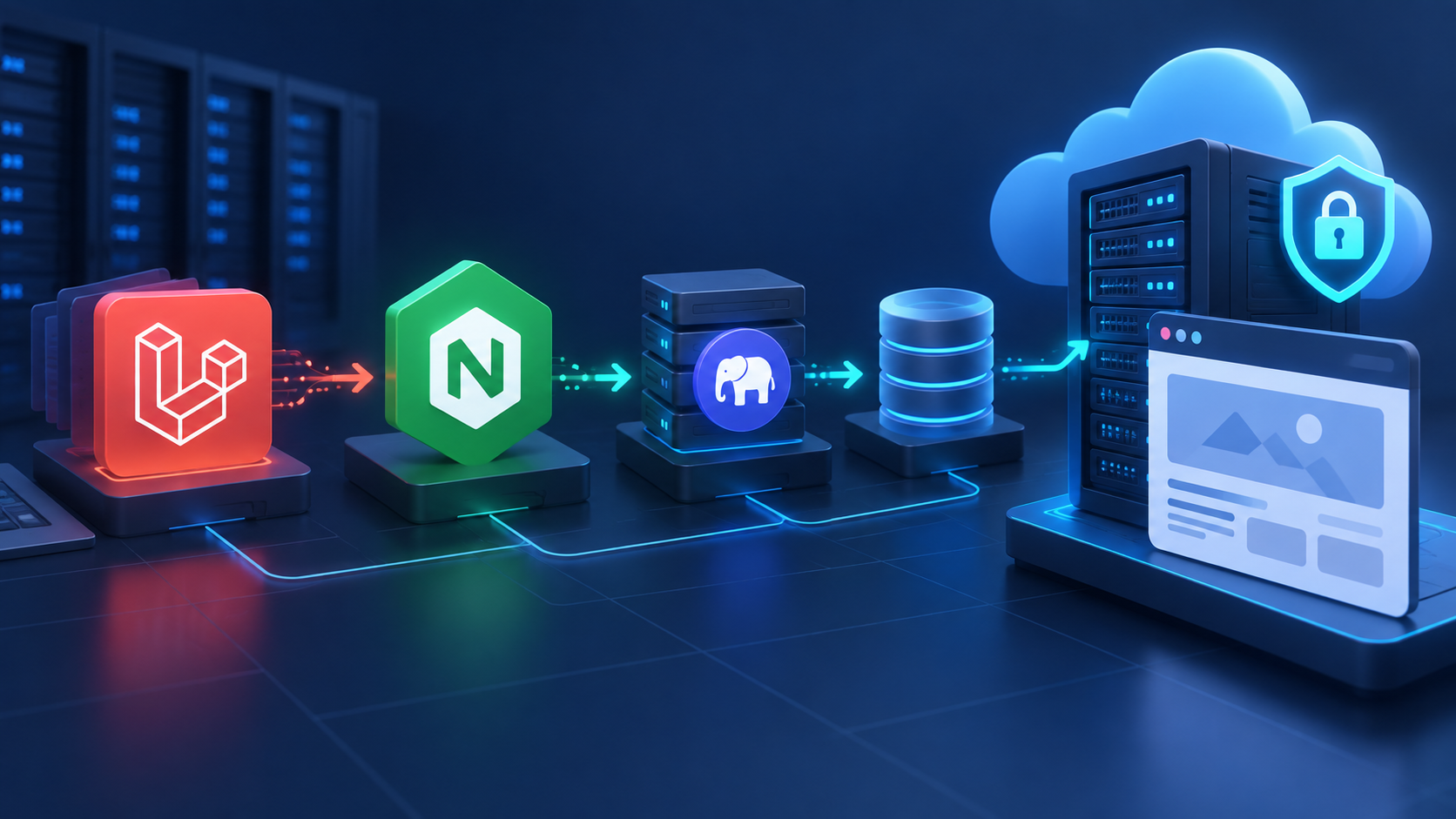
Deploying Laravel is straightforward until a small production detail is missed: the web root points at the wrong directory, PHP-FPM uses a different version, storage is not writable, queues never start, or HTTPS is added only after launch. This guide gives you a repeatable path for deploying a Laravel application on Ubuntu with Nginx, PHP-FPM, a database, and TLS.
The workflow works whether you manage the server manually or use Core Panel to reduce repetitive infrastructure work. The goal is not merely to make the home page load—it is to create a deployment that remains secure, observable, and easy to update.
What you need before deployment
Prepare the following before changing the production server:
- An Ubuntu server with a non-root sudo user.
- A domain whose DNS records point to the server.
- Your Laravel repository and production environment values.
- A supported PHP release plus the extensions required by your application.
- MySQL or PostgreSQL credentials created specifically for the application.
- A rollback plan and a tested database backup.
Keep secrets out of Git. Production credentials belong in the server-side
.envfile or a dedicated secret store, never in the repository.
1. Prepare Ubuntu and the application runtime
Start with operating-system updates, a firewall, and a dedicated deployment user. Install Nginx, Git, Composer, PHP-FPM, PHP CLI, and the extensions your application actually uses. Common Laravel applications require Mbstring, XML, cURL, ZIP, BCMath, and either the MySQL or PostgreSQL driver.
If the server hosts more than one application, decide which PHP release each site will use before deployment. Our guide to running multiple PHP versions safely explains why separate PHP-FPM pools and explicit socket selection matter.
sudo apt update
sudo apt upgrade
php -v
php-fpm -v
composer --version
nginx -v
Version checks are simple, but they catch a frequent problem: Composer runs with one PHP version while Nginx sends web requests to another.
2. Create the site and choose the correct document root
A Laravel site must expose only its public directory. If your application lives at /var/www/example-app, the Nginx document root should be /var/www/example-app/public. Pointing Nginx at the project root can expose files that were never intended to be public.
In Core Panel, create the site, attach the required domain, select the intended PHP runtime, and set the document root to the Laravel public directory. Confirm the generated Nginx configuration before sending production traffic to it.
3. Deploy the application code
Clone or release the application into its production directory, then install optimized production dependencies. A release-based directory structure makes rollback easier than editing a live working tree.
cd /var/www
sudo -u deploy git clone https://example.com/your/repository.git example-app
cd example-app
composer install --no-dev --prefer-dist --optimize-autoloader
Replace the example repository with your own. For private repositories, use a narrowly scoped deploy key and avoid placing personal credentials on the server.
4. Configure the environment and database
Create the production .env file from a trusted template. Set APP_ENV=production, disable debug output, use the final HTTPS application URL, and add the dedicated database credentials.
cp .env.example .env
php artisan key:generate
php artisan about
Review the output before continuing. Never run production with APP_DEBUG=true; detailed exception pages can reveal paths, queries, and configuration values.
Create the database and user with only the permissions the application requires. If you use PostgreSQL, the production PostgreSQL hosting checklist covers access control, connection limits, monitoring, and recovery planning.
5. Set safe ownership and writable directories
The web process needs write access to storage and bootstrap/cache, but it should not own or modify the entire application. Keep source code owned by the deployment user and grant the web-server group access only where Laravel writes runtime data.
sudo chown -R deploy:www-data /var/www/example-app
sudo chmod -R ug+rwx /var/www/example-app/storage
sudo chmod -R ug+rwx /var/www/example-app/bootstrap/cache
Avoid blanket 777 permissions. They hide the real ownership problem and unnecessarily expand what other local users or processes can change.
6. Configure Nginx and PHP-FPM
The essential Nginx behavior is to serve static files directly, route other requests through index.php, and pass PHP execution to the correct PHP-FPM socket.
server {
    listen 80;
    server_name example.com www.example.com;
    root /var/www/example-app/public;
    index index.php;

    location / {
        try_files $uri $uri/ /index.php?$query_string;
    }

    location ~ \.php$ {
        include snippets/fastcgi-php.conf;
        fastcgi_pass unix:/run/php/php8.3-fpm.sock;
    }

    location ~ /\.ht {
        deny all;
    }
}
The socket name is an example; use the path for the PHP-FPM version installed on your server. Validate configuration before reloading Nginx:
sudo nginx -t
sudo systemctl reload nginx
7. Run migrations, caches, queues, and the scheduler
Put the application into maintenance mode if an update could conflict with live requests. Run database migrations non-interactively, build Laravel caches, restart queue workers, and then return the application to service.
php artisan down
php artisan migrate --force
php artisan config:cache
php artisan route:cache
php artisan view:cache
php artisan queue:restart
php artisan up
Only use route:cache when every route can be cached. Queue workers should be supervised by systemd or another process manager so they restart after a crash or reboot. Configure Laravel's scheduler as a once-per-minute cron entry or a persistent scheduler service, depending on your deployment model.
8. Enable HTTPS before launch
Issue a TLS certificate after DNS resolves to the server, redirect HTTP to HTTPS, and verify automatic renewal. Also confirm that Laravel's application URL and trusted-proxy configuration match the public HTTPS endpoint.
Test the redirect, certificate chain, expiry date, and a real application request. If cookies or generated links still use HTTP, check APP_URL, proxy headers, and cached configuration.
9. Add backups, monitoring, and logs
A successful deployment is the start of operations, not the end. Monitor Nginx, PHP-FPM, Laravel logs, queue failures, disk usage, memory pressure, certificate renewal, database availability, and HTTP response codes.
Back up both the database and user-generated files, and test restoration on a separate environment. The automated PostgreSQL backup guide explains scheduling and retention, while the restore-testing guide shows how to prove that a backup is usable.
Production launch checklist
- DNS points to the intended server.
- Nginx uses the application's
publicdirectory. - The selected PHP-FPM version matches Composer and CLI PHP.
APP_ENVis production and debug mode is disabled.- Secrets are stored outside version control.
- Only Laravel's writable directories are group-writable.
- Migrations completed successfully and were backed up first.
- Queue workers and the scheduler survive reboots.
- HTTPS redirects, renewal, cookies, and generated URLs are correct.
- Logs, uptime checks, resource alerts, and backups are active.
- A rollback procedure has been tested.
Common deployment mistakes
- Serving the project root: always expose only
public. - Mixing PHP versions: align CLI, Composer, and the PHP-FPM socket.
- Caching too early: finish environment changes before rebuilding Laravel caches.
- Running workers manually: use a supervisor so background jobs recover automatically.
- Skipping restore tests: a backup is not proven until it can be restored.
- Deploying without rollback: retain the previous release and know how to switch back.
Where Core Panel fits
Core Panel centralizes the repetitive server-management parts of this workflow: site configuration, runtime selection, domains, certificates, databases, monitoring, and operational visibility. Your deployment process can then focus on application-specific steps such as Composer dependencies, environment values, migrations, queues, and release verification.
For more server-management guidance, visit the Core Panel documentation and review the self-hosted control panel security checklist.
Final thoughts
A reliable Laravel deployment is a chain of small, verifiable decisions. Keep the document root narrow, match PHP runtimes, restrict permissions, automate background processes, enforce HTTPS, and test backups. Once those foundations are repeatable, releases become faster without becoming fragile.