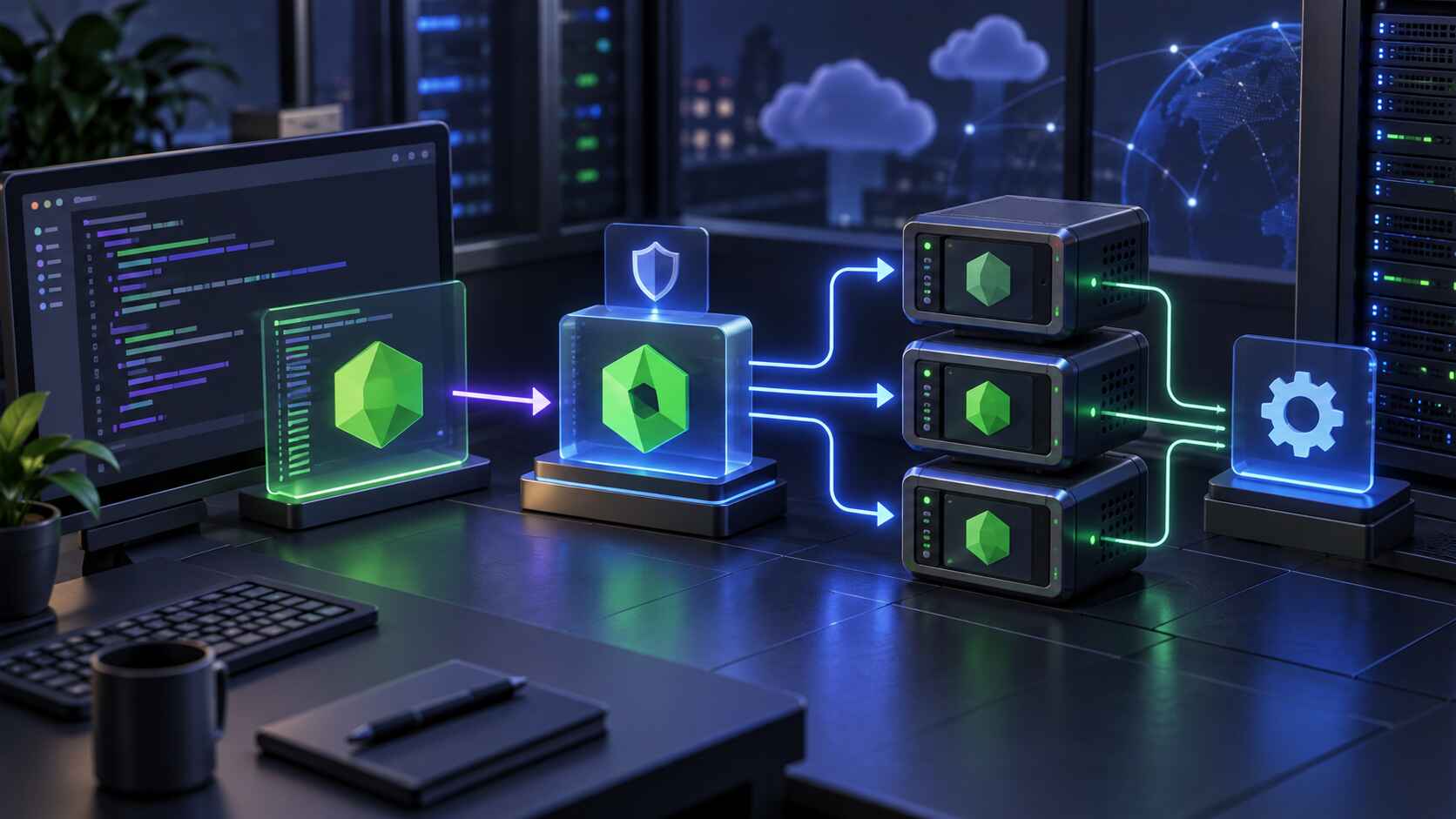
As traffic to your application grows, a single Node.js instance quickly becomes a bottleneck. Core Panel's load balancing tools make it straightforward to distribute requests across multiple instances without rearchitecting your deployment pipeline.
Why horizontal scaling matters
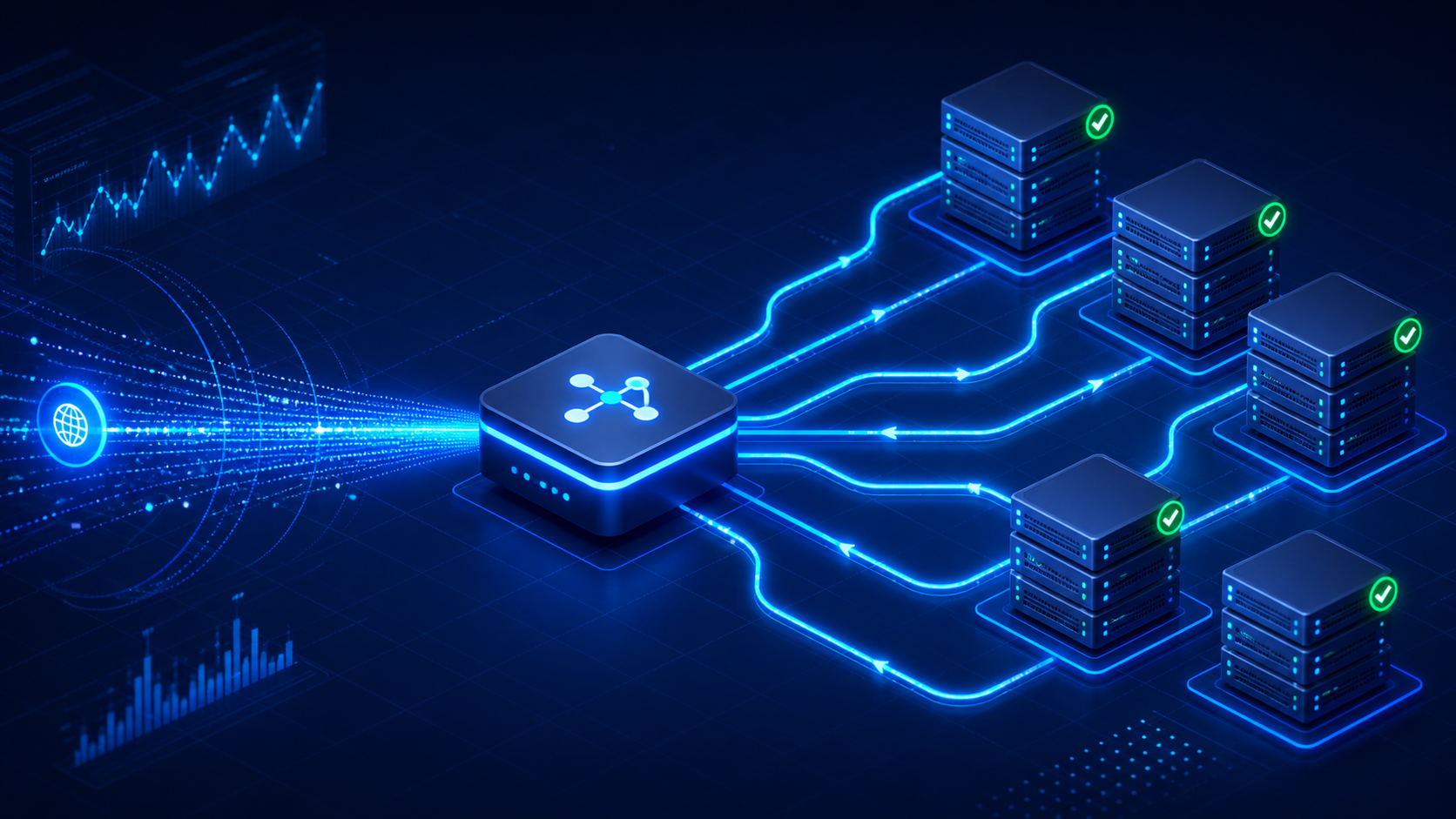
Vertical scaling, adding more CPU and RAM to a single box, has a ceiling. Horizontal scaling runs several smaller instances behind a load balancer, giving you higher throughput and better fault tolerance: if one instance goes down, the others keep serving traffic.
Setting up load balancing in Core Panel
From the dashboard, register each Node.js instance as a target, then create a load balancer pool pointing at those targets. Core Panel handles health checks automatically and routes around any instance that stops responding.
Monitoring cluster health
Once your pool is live, the Metrics tab gives you a per-instance breakdown of CPU, memory, and request latency, so you can spot an overloaded node before it affects users.