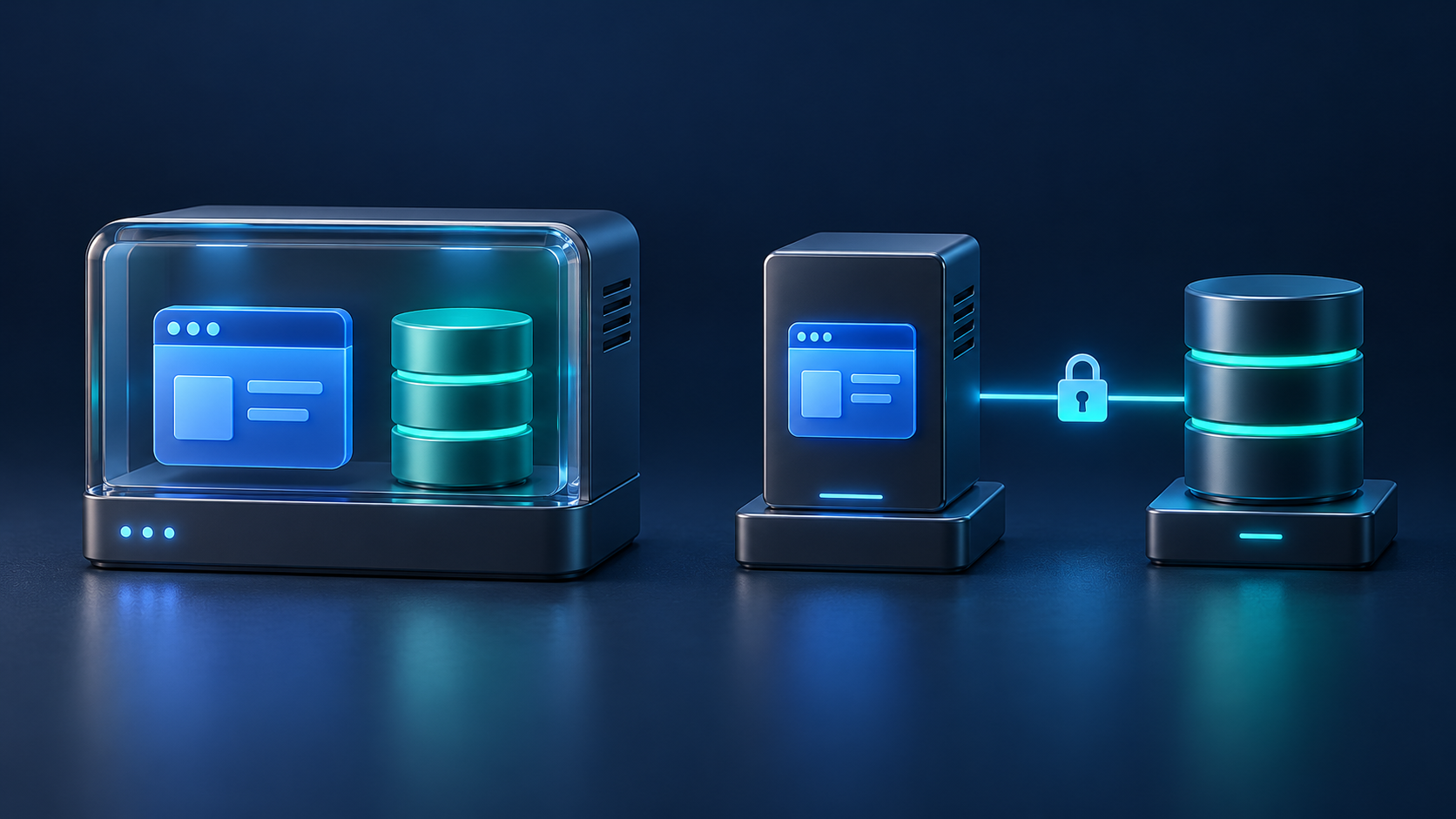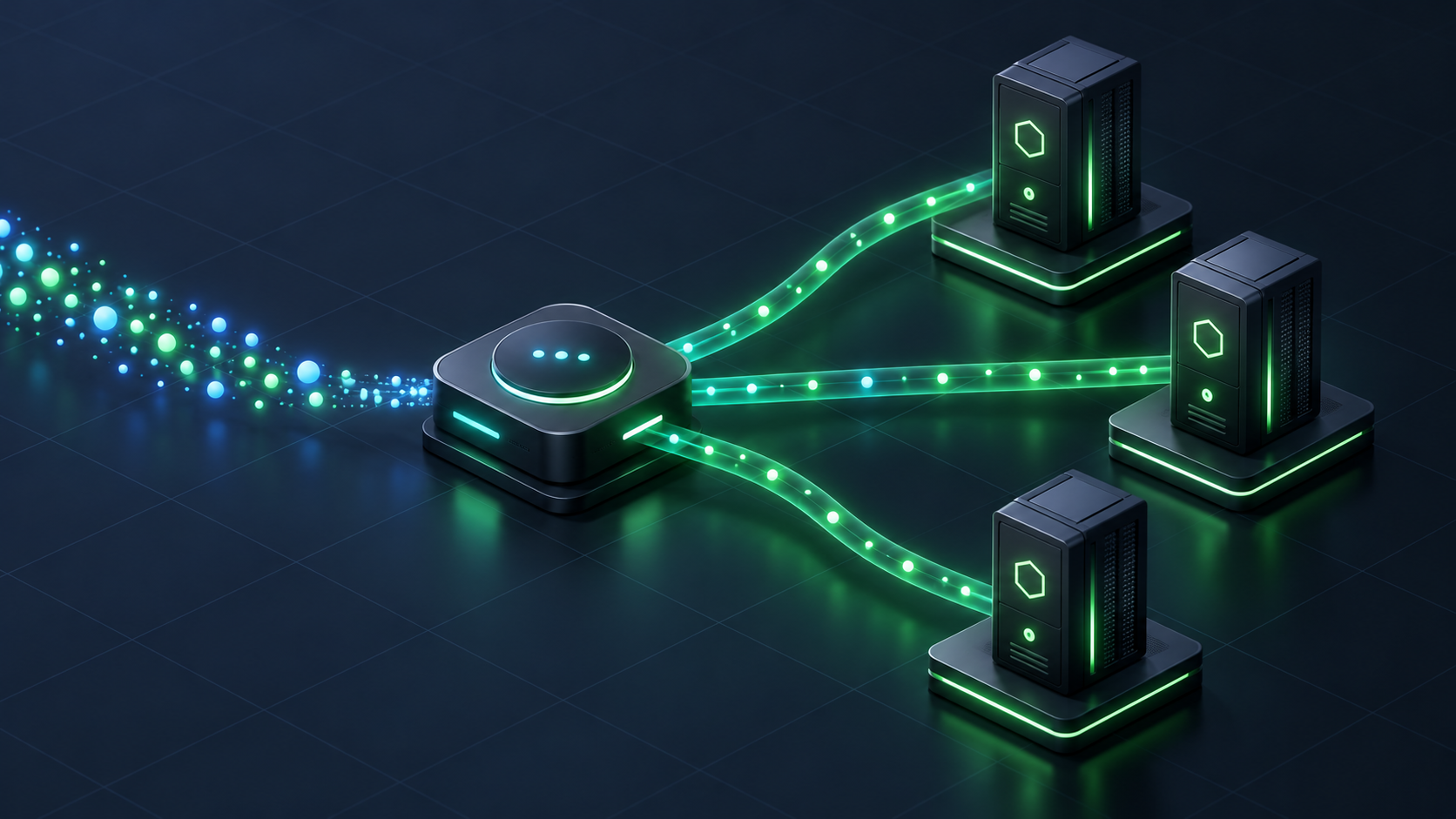
Blue-green deployment on a VPS means running the current application release and its replacement side by side, then changing which release receives new traffic. Keeping the previous release available can make an application rollback faster, provided both versions remain compatible with the live data.
You do not need a large cluster to use this pattern. You do need enough spare capacity, a reliable traffic switch, and a plan for everything that survives a process restart. This guide explains the architecture for a small web application and the checks that make a cutover predictable.
How blue-green deployment fits on a single VPS
Imagine a Node.js application behind Nginx. The current release, blue, listens on one loopback port. The candidate release, green, listens on another. Nginx keeps the public HTTPS endpoint stable while the application destination changes.
Public HTTPS endpoint
        |
      Nginx
        |
        +-- Blue release:  127.0.0.1:3001
        +-- Green release: 127.0.0.1:3002

Only the selected release receives new public traffic.
Both releases use the intended production data services.
The addresses are an illustrative layout, not a complete server configuration. Keep application ports private and test the routing rules before using them. For a basic Node.js service setup, see our Ubuntu, Nginx, and systemd deployment guide.
The same broad idea applies to other runtimes, although their process and socket arrangements differ. AWS describes the underlying blue-green deployment model as a traffic shift between application environments. On one VPS, those environments still share the host: a server outage or exhausted memory can affect both.
Separate releases, but account for shared state
Make the boundary between replaceable application code and persistent data explicit. Two release directories alone do not produce a complete deployment strategy.
| Component | Design for the overlap period |
|---|---|
| Application code and dependencies | Keep each release in its own directory or image, identified by a unique version. |
| Runtime configuration | Record the configuration needed by each release, including compatibility with current secrets. |
| Database | Use one authoritative production data source in this design, with a schema both releases can use. |
| Sessions and uploads | Keep them accessible across the switch, outside disposable release directories. |
| Frontend assets | Keep assets referenced by already-open pages available during the transition. |
| Queues and scheduled tasks | Decide which workers consume jobs and which scheduler may trigger each task. |
The Twelve-Factor guidance on application processes explains why persistent state should not depend on the memory of one process. A visitor's next request may reach a different release. Check session serialization, cookie settings, and encryption compatibility so that a successful cutover does not unexpectedly log people out.
Budget for the deployment peak
The busiest moment may be the overlap between releases. Blue is still serving requests while green starts workers, warms caches, establishes database connections, and runs checks. If builds happen on the same VPS, compilation can add another CPU and memory spike.
Measure the combined demand instead of assuming an idle candidate is free. Include database connections, background workers, temporary files, and retained release artifacts. Keep enough disk space to complete the deployment and preserve the previous working release.
Prefer building a repeatable artifact before the traffic switch. The build, release, run model separates packaging from execution and gives each release an identity. Retain the matching configuration reference as well as the code; an old binary with incompatible new settings may not be a usable rollback.
If two releases cannot coexist comfortably, a short maintenance window may be more reliable than forcing this architecture onto an undersized server.
Check readiness before sending users to green
A running process is only the first check. The candidate must be able to serve the application through the intended request path.
- Startup: the process stays running, reports the expected release identifier, and loads its required configuration.
- Dependencies: essential database, cache, and storage operations work with the intended credentials and permissions.
- Request behavior: login, a representative read, form validation, and a controlled write behave correctly.
- Proxy behavior: the expected hostname, forwarded headers, HTTPS redirects, and generated asset URLs work.
- Failure behavior: an unavailable essential dependency prevents readiness instead of producing a misleading success response.
Use a protected preview route or an internal test path. Keep health responses small and avoid exposing credentials or detailed diagnostics. Run payment, email, and other external side-effect tests through a controlled test mechanism so a smoke test cannot create an unintended customer action.
A readiness endpoint can be lightweight; the release check should also exercise a real application journey. Record the result before changing traffic.
Keep database changes compatible with rollback
Both releases may use the database during the transition, and blue may need to handle records written by green after a rollback. Avoid removing or renaming a field that the previous release still requires.
Use an expand-and-contract sequence where appropriate: introduce the new structure, deploy code that tolerates the transition, backfill and validate existing data, then remove obsolete structures in a later release after the rollback window closes. Prisma's expand-and-contract migration guide demonstrates the pattern.
Plan concurrent writes during a backfill. Copying old rows once is insufficient if active code continues changing only the old representation. Choose a tested synchronization or compatibility approach and inspect the locking and runtime cost of each migration.
A destructive migration may require a different deployment plan. Rehearse that work separately rather than treating every schema change as reversible.
Switch traffic, then drain the old release
For the Nginx layout above, the cutover changes the selected application destination. Validate the candidate configuration with nginx -t, using the same configuration path as the running service, before performing a reload. A valid configuration does not prove that the upstream application is healthy.
On a successful Nginx configuration reload, new workers start and old workers finish serving existing clients. Keep blue running while that work drains. WebSocket connections, streaming responses, and long uploads need an explicit timeout and reconnection policy; they do not all move to green immediately.
Graceful application shutdown must also be implemented and tested. The Twelve-Factor shutdown guidance describes stopping new work while handling work already in progress. Set a bounded drain period appropriate to your application and observe completion before stopping the old processes.
Deploy queue workers and schedulers deliberately
Switching web traffic does not switch background jobs. A green web process may enqueue a job that an old worker cannot understand. Keep job payloads compatible during the overlap or route incompatible job versions to separate queues with the appropriate workers.
For Laravel, queue workers retain the booted application in memory. The documented restart mechanism allows workers to finish their current job and exit, with a process manager responsible for starting replacements. Confirm that replacements start from the intended release and that restart signals are not accidentally shared between groups you meant to control separately.
Scheduled work needs a clear owner, too. Starting a second release must not silently create another independent billing run, report export, or cleanup task. Test coordination and make retryable jobs safe to repeat where possible.
Our Laravel queues and scheduler checklist covers the related operational checks.
Define rollback as a decision with conditions
Before cutover, record what would trigger a rollback: failed essential journeys, a sustained rise in errors, unacceptable response times, or broken background processing. Choose thresholds and an observation period that match the application's normal behavior.
Then rehearse this sequence in a test environment:
- Confirm that blue is healthy and can still read and write the current schema and data.
- Return new traffic to blue and verify the release identifier through the public request path.
- Drain green's active requests and coordinate its workers and scheduled tasks.
- Check sessions, uploads, queue progress, and important business actions after the switch.
- Preserve logs and release details so the failed deployment can be investigated.
Application rollback does not undo data changes. Emails already sent, external API calls, and records written by green remain. Restoring a database backup is a separate recovery action that can discard newer valid writes. If compatibility has been broken, stop the rollout and follow the rehearsed recovery plan instead of blindly pointing traffic back.
Start with one repeatable release procedure
Blue-green deployment is useful when you release regularly, have capacity for overlap, and can keep application state compatible. Its value comes from repeatable preparation, validation, and recovery, not from the color names.
For a VPS managed through a control panel, confirm how custom proxy destinations, application services, configuration changes, and releases are handled. Review Core Panel's Node.js hosting capabilities and current documentation for the version you plan to evaluate. Core Panel is currently pre-production; test it on an isolated non-production server before considering a live deployment.
Frequently asked questions
Can I use blue-green deployment on one VPS?
Yes, if the host can run both releases and the supporting services during the overlap. It gives you a release-switching pattern, but both releases remain dependent on the same server.
Does blue-green deployment guarantee zero downtime?
No. Startup failures, incompatible state, long-lived connections, insufficient capacity, and database changes can still interrupt service. Test complete user journeys and the rollback procedure under realistic conditions.
Do blue and green need separate databases?
Not for the architecture described here. Both use the authoritative production database with compatible schemas. Separate databases introduce a data-synchronization and cutover problem that needs its own design.
How long should I keep the previous release?
Keep it for a defined observation and rollback period based on traffic patterns and delayed work. Before retiring it, verify the new release, background jobs, recovery options, and any remaining requests to old assets.