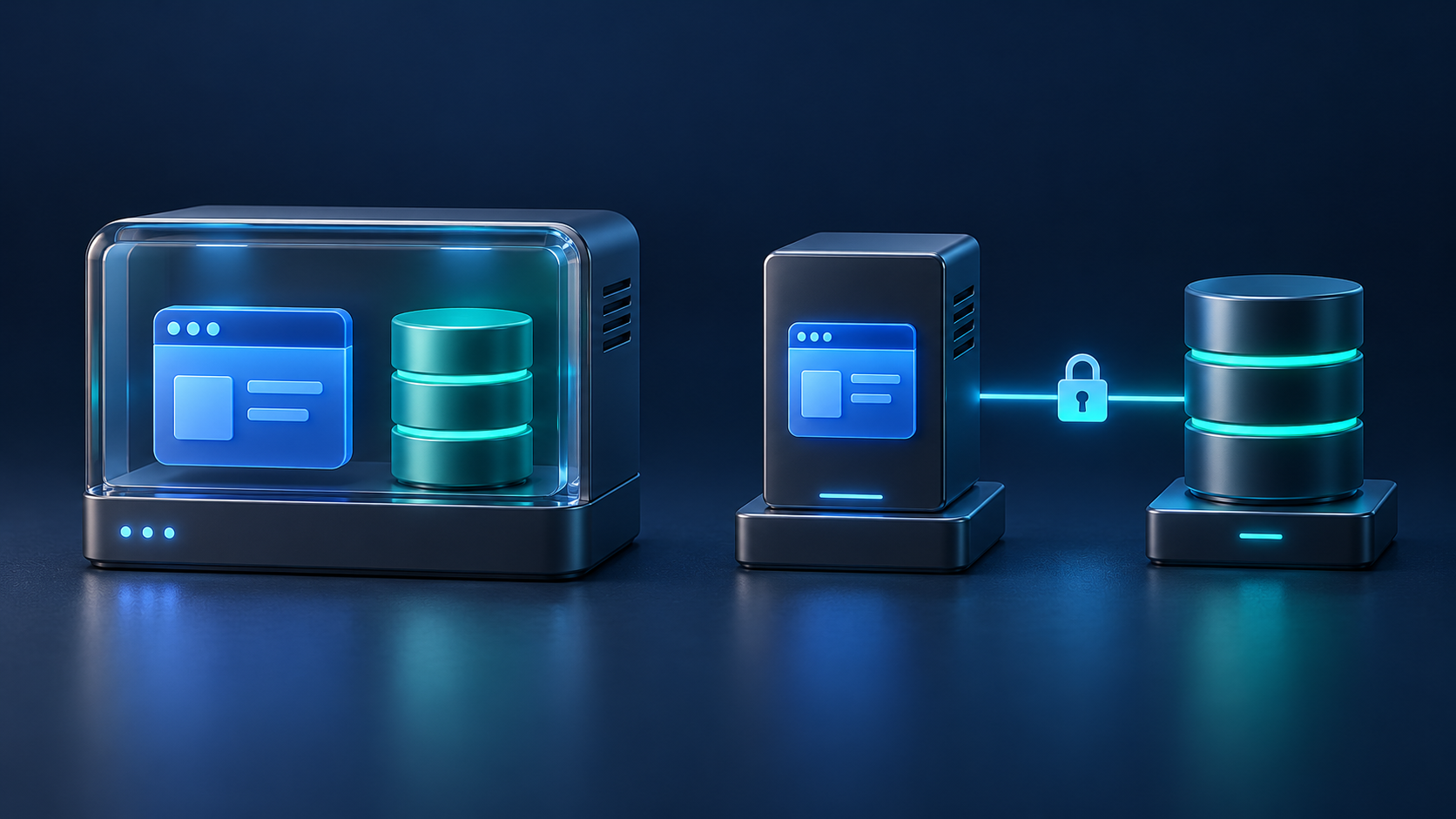
A single VPS can run your web application and database well when both workloads fit comfortably within its resources. A separate database server becomes useful when you need independent capacity, clearer maintenance boundaries, or a database shared by several application instances.
The decision is about the bottleneck you can demonstrate and the system you can operate. Moving PostgreSQL to another machine adds a network dependency, another server to maintain, and a migration to manage. This guide compares the two architectures and explains what to measure before making that change.
Single VPS vs separate database server at a glance
In a single-server design, Nginx, application processes, background workers, and the database share one virtual machine. In a split design, the application connects to a database on another host through a restricted network path.
| Consideration | Application and database on one VPS | Separate database server |
|---|---|---|
| Resource allocation | One CPU, memory, and storage budget to divide | Application and database capacity can be sized independently |
| Database communication | Local socket or loopback connection | Network connection with latency and failure handling |
| Operations | Fewer hosts, credentials, and monitoring targets | More components and a separate maintenance schedule |
| Host failure | One host outage interrupts both layers | Either host can still interrupt database-backed requests |
| Growth | Upgrade the VPS or reduce competing workloads | Add application instances without relocating the database again |
| Cost | One server bill plus backups and supporting services | Additional compute, storage, networking, and operating effort |
Two smaller VPS plans are not automatically faster than one larger plan. Compare actual CPU performance, memory, storage behavior, network latency, and the provider's limits.
When keeping everything on one VPS makes sense
Start with one VPS when a representative busy period leaves enough capacity for application traffic, database maintenance, scheduled work, and backups. This can be a sensible design for an early SaaS product, a small Laravel application, or a modest content site.
Give each service a deliberate resource budget. Keep background-job concurrency controlled, rotate logs, and place recoverable backup copies outside the host. A server that normally looks quiet may still struggle during an import or deployment.
A larger VPS can be the simplest next step when all you need is additional capacity. First check whether inefficient queries, excessive workers, or a badly timed export explain the pressure. Moving an expensive query to another server does not remove its work.
For application setup on a single host, our Laravel deployment guide for Ubuntu, Nginx, and PHP-FPM provides a starting point.
Four reasons to consider a separate database server
- Repeated resource contention: application bursts and database activity compete for memory, CPU, or storage, and measurements show that this competition affects response times.
- Different capacity needs: the database needs more memory or faster storage while the web application needs more CPU or additional instances.
- Independent maintenance: you want to rebuild or replace application hosts while keeping the database in place. Application downtime may still occur during that work.
- Several application instances: multiple web or worker hosts need a common database endpoint. Sessions, uploads, caches, and scheduled jobs also need an explicit sharing or coordination plan.
There is no universal visitor count or database size at which splitting becomes mandatory. A mostly cached website and an application performing many writes can place very different demands on identical hardware.
Measure the bottleneck before changing the architecture
Capture a baseline during ordinary traffic and your busiest recurring jobs. Compare slow user requests with activity on the host at the same time.
- Application: request rate, error rate, p95 response time, query count per request, and background-job delay.
- Host: CPU saturation, available memory, swap activity, storage latency, and remaining disk space.
- Database: active connections, slow statements, lock waits, and time spent executing common queries.
- Operations: backup duration, restore duration, deployment impact, and maintenance windows.
For PostgreSQL, pg_stat_statements can expose execution statistics for normalized statements when configured. Use the results to identify costly query patterns, then investigate their plans and indexes.
Write down a specific hypothesis: “Nightly imports compete with the web application for storage, causing checkout latency to exceed our target.” Test whether isolation solves that problem. This gives the migration a measurable acceptance criterion.
Account for network latency and connection growth
A remote database adds time to each application-to-database round trip. Keep the application and database close enough that measured latency fits your request budget; a region label alone is not a performance test.
Consider a simplified example: a request performs 40 sequential database exchanges, and moving the database adds 2 milliseconds per exchange. That contributes roughly 80 milliseconds of additional waiting before considering execution time or other overhead. These are illustrative numbers, not a benchmark. PostgreSQL's pipeline-mode documentation explains why repeated round trips matter.
Reduce unnecessary queries and batch suitable work before accepting a slower request path. Test the actual application because drivers, transaction boundaries, result sizes, and concurrency change the outcome.
Also budget connections across every process. For example, three application instances with an aggregate pool limit of 20 connections each allow 60 connections. Add 20 for workers and 10 for administration or maintenance, and the planned demand reaches 90. This is an example capacity budget, not a recommended default.
Leave additional headroom and validate the database's usable connection limit. PostgreSQL allocates some resources according to max_connections; raising that setting has a resource cost. If introducing a connection pooler, check its pooling mode against the application's session and transaction behavior.
Keep the database private and plan for failure
Use private connectivity and firewall rules that admit only the required application and administration sources. Run the application with a database role limited to its actual needs. A private address does not replace authentication or transport protection.
For PostgreSQL, review listening interfaces separately from pg_hba.conf authentication rules. The first matching authentication record controls the connection, so rule order matters. Configure TLS on the server and verification in the client. With libpq, verify-full checks both the certificate chain and the requested hostname when the required trust material is configured.
Test connection timeouts and recovery after a brief network interruption. Avoid unlimited retries: a retry storm can overload a recovering database. For writes, account for an ambiguous outcome when the connection drops after a commit; blindly repeating the operation can create duplicates.
A separate database server does not create high availability. One application host and one database host still provide only one instance of each required layer. Database redundancy, failover, and recovery require their own design, as covered in PostgreSQL's high-availability documentation.
Keep tested backups regardless of server count. Replication is not a substitute for recovery from accidental changes. PostgreSQL documents several backup and restore approaches; select one that meets your acceptable data-loss window and recovery time, then rehearse it.
Plan the move around one authoritative database
Rehearse the migration with representative data and a compatible database version before changing the live connection. For a small application that can accept a maintenance window, a controlled move can be easier to operate than a replication-based cutover.
- Prepare the destination: verify capacity, database versions, extensions, roles, network restrictions, TLS, monitoring, and backups.
- Rehearse restore and validation: test important reads and writes, permissions, sequences, scheduled tasks, and performance on the restored data.
- Stop all writers: include web requests, queues, scheduled jobs, imports, and external integrations before taking the final consistent copy.
- Restore and check: validate the destination before redirecting application traffic. Include checks of important business records, not only row counts.
- Switch every client: update web and worker connections, refresh relevant configuration, and ensure no forgotten process writes to the old database.
- Observe before reopening fully: check errors, response times, connection usage, job processing, and the first destination backup.
Define rollback before cutover. Once the new database accepts writes, switching back to the old copy can lose those changes. Reverting then requires a rehearsed way to transfer or reconcile new data, or a deliberate recovery decision. Keep the former database protected from writes while you validate the move.
Choose the next step your team can support
Keep one VPS when it meets your response-time and recovery goals with room for predictable peaks. Split the database when measured contention, independent sizing, or multiple application hosts justify the added work. Include operational ownership in the decision: someone must monitor both hosts, renew certificates, apply updates, and test restoration.
If you are evaluating server-management tooling, review Core Panel's PostgreSQL hosting capabilities and current documentation against your intended topology. Verify the workflows supported by your chosen release. Core Panel is currently pre-production, so evaluate it on an isolated non-production server before considering a live deployment.
Frequently asked questions
Should my web server and database be on the same VPS?
They can share a VPS when the combined workload has adequate capacity and the recovery plan meets your needs. Separate them when you can identify a useful isolation or scaling benefit and can operate the additional host.
Will moving the database to another VPS make my website faster?
It may help if shared resources are the bottleneck. It may make a query-heavy request slower if network waiting outweighs the resource benefit. Compare representative requests under load before and after the change.
Do I need a load balancer when I separate the database?
No. A single application server can connect directly to a separate database endpoint. Load balancing application traffic becomes a separate consideration when you add multiple application instances.
Is a managed database an alternative to a second VPS?
Yes. Compare its documented backup, restore, maintenance, availability, networking, extension, and connection limits with your requirements. Confirm which responsibilities remain yours and include the full service cost in the comparison.