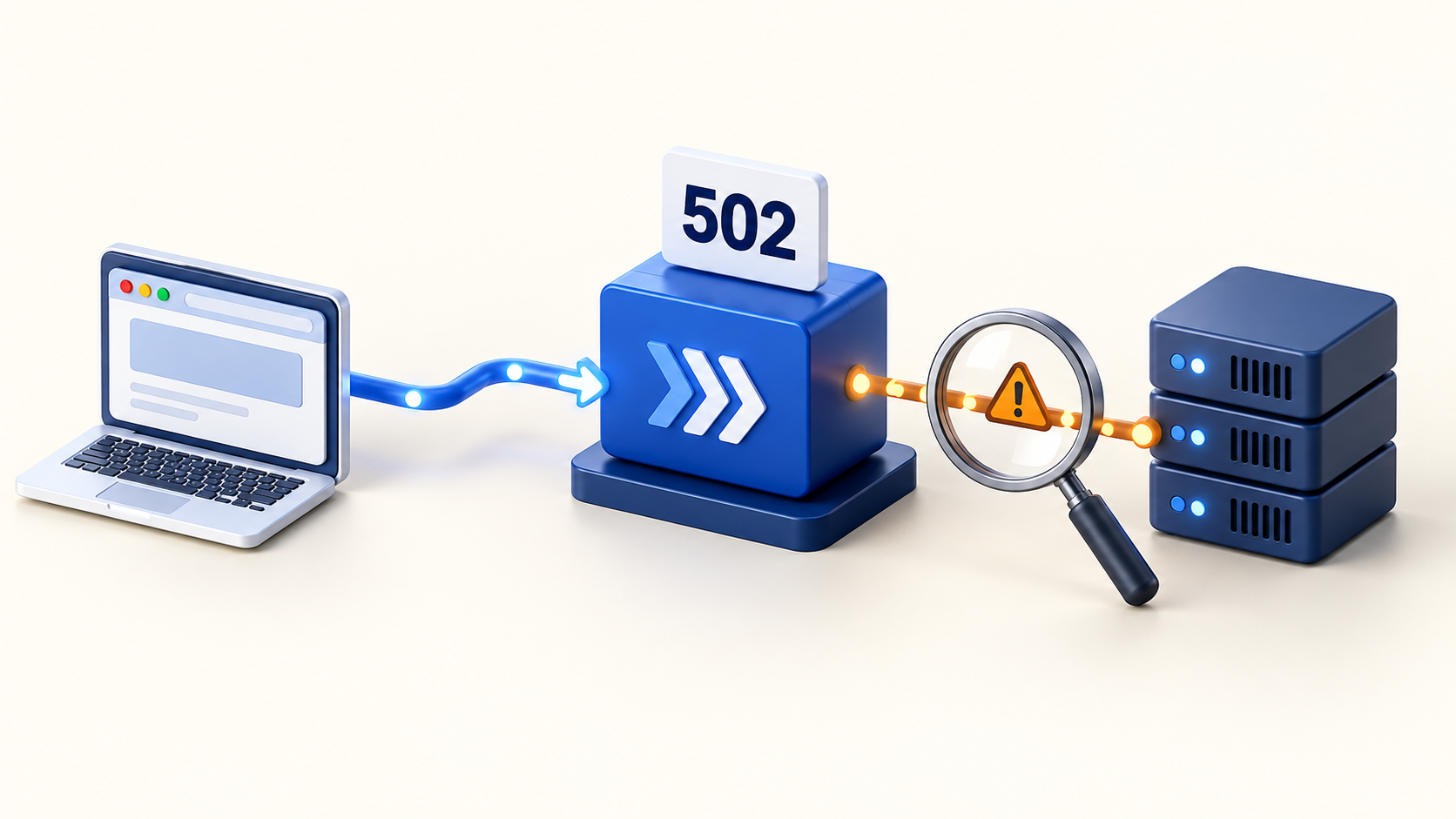
VPS high availability starts with a practical question: if one part of your hosting stack stops working, can visitors still complete the action that matters? Two application servers can keep serving pages after one application process fails. They will not help if both depend on the same unavailable database, disk, network, or entry point.
This guide explains how to find single points of failure, choose an appropriate recovery design, and test it. The examples are planning patterns for a typical web application, not a claim that any particular VPS package or control panel provides automatic failover.
What high availability means for VPS hosting
High availability aims to keep a service usable through defined failures and maintenance events. Backup and disaster recovery address how you restore service and data when the running system cannot continue. A useful hosting plan needs both, but they solve different problems.
Start by naming the service you are protecting. A cached home page might remain reachable while login, checkout, or file uploads fail. Measuring only the home page could make an unavailable application look healthy.
Also name the failure you intend to survive. Losing a worker process, losing a virtual machine, and losing an entire hosting location require different designs. Avoid treating the number of servers as a substitute for that definition.
Set recovery targets before choosing infrastructure
Define two targets for each important workload:
- Recovery time objective (RTO): how long the service can be unavailable before the impact becomes unacceptable.
- Recovery point objective (RPO): how much recent data you can afford to lose, expressed as time.
These are objectives that must be demonstrated, not guarantees created by selecting a hosting plan. The AWS guidance on recovery objectives explains how to connect them to business impact.
For an illustrative internal reporting tool, an hour to restore service might be tolerable. An order system may require much faster recovery and a stricter data-loss limit. Use your own requirements; copying another team's targets can create unnecessary cost or leave an important gap.
Map the single points of failure in your stack
Trace one real request from the visitor to its final result. Include the services that run after the HTTP response, such as sending a receipt or processing an uploaded file. The following table is a starting worksheet.
| Component | Potential failure | Question to resolve |
|---|---|---|
| DNS and traffic entry | Visitors cannot reach a healthy origin | How is traffic moved, and what must remain available to move it? |
| Reverse proxy or load balancer | One gateway blocks every application server | Is the entry layer redundant or recoverable within the target? |
| Application instances | A process or host stops serving requests | Can another instance handle the request and remaining traffic? |
| Database | Reads or writes become unavailable | Who decides failover, and how is the former writer isolated? |
| Sessions and uploaded files | State exists only on a failed machine | Can a replacement instance access the required state? |
| Jobs and external services | Background work stalls or a dependency fails | Can work wait, retry safely, or run in a reduced mode? |
Add an owner and a recovery procedure to each row. An unowned dependency is difficult to repair during an incident, even when the underlying technology supports redundancy.
Separate servers across meaningful failure boundaries
Two VPS instances can share a physical host, storage platform, power supply, or network. Ask your provider which placement options actually isolate failures. A different instance name or IP address does not establish independence.
As one provider-specific example, AWS describes Availability Zones as fault-isolation boundaries. Other providers use different terms and offer different guarantees. Confirm the scope instead of assuming the same architecture applies everywhere.
Keep enough capacity on surviving resources to meet your chosen service target. If two application nodes are both near their tested limits, losing one may overload the other. Run a representative load test with a node unavailable; CPU headroom alone does not prove that database connections, memory, or storage throughput will be sufficient.
Choose a recovery pattern your team can operate
A small team has several reasonable options. AWS recovery strategy guidance covers backup and restore, standby, and active/active approaches.
- Rebuild and restore: recreate the server from documented configuration and restore verified backups. This can suit a workload that tolerates the measured recovery time.
- Active/passive: maintain a prepared replacement and a controlled process for moving service to it. Keep its configuration and data sufficiently current for your targets.
- Active/active application tier: serve traffic from multiple application instances. The database, storage, traffic entry, and background jobs still need their own availability decisions.
Write down who can initiate recovery and where the instructions are stored. If every recovery step requires a dashboard hosted on the failed server, the procedure has a circular dependency. Keep the necessary operational information available through a separate, access-controlled path.
Make traffic failover and health checks explicit
A load balancer needs a useful way to distinguish a working instance from an unavailable one. A running process is not always ready to serve requests. Choose a lightweight readiness check that reflects the work that instance is expected to perform, with suitable timeouts and failure thresholds.
NGINX documents passive and active health checks. Passive checks learn from real requests; active checks probe separately. Availability of particular features depends on the edition and version you deploy, so verify your implementation before planning around them.
DNS-based failover has a separate timing concern. DNS TTL controls how long records are cached, and local caches can delay visible changes. Lowering a TTL during an outage does not instantly remove answers already cached under the previous value. Measure actual recovery through the DNS path your users take.
Decide what happens when every backend fails its checks. A static maintenance response, a read-only feature, and a hard error have different operational implications. Choose deliberately rather than discovering the behavior during an outage.
Design database failover around data integrity
Application redundancy does not remove a single database dependency. A standby may improve recovery, but replication mode matters: PostgreSQL distinguishes synchronous and asynchronous replication. With asynchronous replication, a promoted standby may be missing recently committed transactions. Synchronous arrangements introduce their own latency and availability tradeoffs.
Promotion also needs coordination. The PostgreSQL failover documentation explains why the former primary must be prevented from returning as a competing writer. This isolation is often called fencing. A network partition can otherwise leave two machines believing they are in charge.
Document failure detection, promotion authority, application reconnection, and how you rebuild redundancy afterward. Test the chosen tooling or managed service as a complete workflow. Replication alone is not an automatic failover system, and a second database icon in an architecture drawing does not establish safe recovery.
Move essential state out of disposable app instances
The Twelve-Factor App process model treats application processes as stateless, with persistent state in backing services. For a VPS application, review session storage, uploaded files, and any work recorded only in local memory.
Make sure a request routed to another instance can still find its required data. Then review the availability of those shared services: moving sessions into one separate cache can simply relocate the single point of failure.
Background work deserves a separate review. Define job ownership, acknowledgement, and retry behavior. Make operations safe to retry where possible, and ensure a scheduled task does not accidentally run once on every replacement node. Record how unfinished work is recovered when a worker disappears.
Keep backups independent and prove recovery
A replica can copy an accidental deletion just as efficiently as a valid update. Retain recoverable historical backups and protect them from the same failure or access mistake that could affect the running system. PostgreSQL's backup documentation outlines different backup approaches; choose one whose restore process you have actually exercised.
Include application configuration, required secrets, and user files in the recovery inventory. Store secrets securely and check that authorized responders can access them during an outage. Time the whole restoration, including configuration, certificates, startup, and application verification.
Our guide to testing PostgreSQL backup and restore provides a related recovery-testing workflow.
Test the failure from the user's perspective
Combine internal metrics with checks outside the hosting stack. Google's SRE monitoring guidance distinguishes internal instrumentation from tests of externally visible behavior. Use both so that a healthy server dashboard cannot hide a broken user journey.
In an isolated test environment, rehearse a small set of scenarios:
- Remove one application instance and check both request success and remaining capacity.
- Interrupt a required dependency and confirm alerts and the intended degraded behavior.
- Exercise the database failover procedure and verify application reads and writes afterward.
- Restore from a backup into a fresh environment and compare the recovered data with the expected recovery point.
- Return to normal operation and verify that redundancy has been rebuilt.
Record detection time, restoration time, data loss, and manual steps. Repeat relevant tests after architectural changes. The result should be evidence your team can use to decide whether another component is worth its cost.
Frequently asked questions
Can a single VPS be highly available?
You can improve process recovery and make a single VPS easier to rebuild. However, a design that runs every required component on that VPS cannot continue serving the full application when the VPS becomes unavailable. State which failures your design covers.
Do two VPS instances guarantee high availability?
No. Shared dependencies, insufficient surviving capacity, and an untested failover procedure can still interrupt service. Evaluate the complete request path and the failure boundaries around it.
Does a database replica replace backups?
No. Replication helps maintain another current copy, while historical backups support recovery from mistakes and other events that may affect both copies. Keep both where the workload requires them.
Can a hosting control panel provide the whole HA design?
Administrative tooling is one part of operating a service. Verify traffic routing, data replication, failure isolation, and recovery procedures independently. Review Core Panel's VPS control panel overview and current documentation when evaluating its role. Core Panel is currently pre-production; evaluate it on an isolated non-production server while checking applicable readiness controls.